Play traditional sounds with adjustable chord, rhythm, and instrument volumes. Customize pitch by sliding strings and transpose notes. Adjust rhythm speed and access two octaves of playable range.
The app transforms an iPhone and iPad into a premium sampler and synthesizer for music production. It offers a dual-layer rompler engine and a touch-optimized workflow for creating studio-quality music anywhere.
For verses, choruses, and other sections. Record audio for each part separately. Use the Chord Picker to add chords. View chords above in display mode. Add guitar tablature and access over 1000 chord diagrams.
The app tests knowledge of triads and seventh chords using audio and visual analysis. Users can compare incorrect answers to correct ones and save results in a filterable Grade Book.
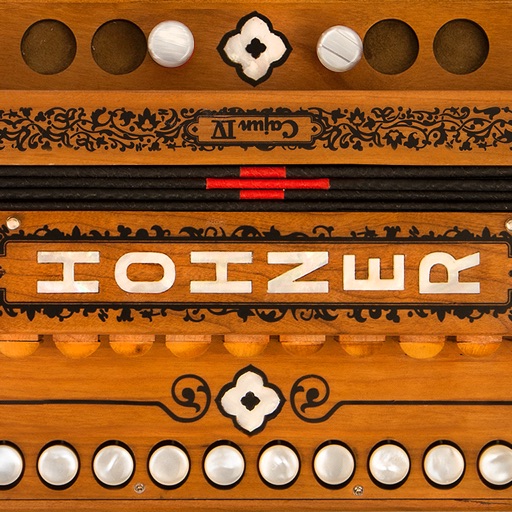
Play a virtual accordion with a one-row fingerboard that mimics the IV's layout and 4-reed sound. Practice scales, chords, and songs. Use headphones for private practice or connect to audio output for playing.
Explore chord diagrams for all music instruments. Select a key, chord type, and addition to view possible chord variations. Adjust settings to customize display options. Save and share chord progressions.
Learn music theory with lessons on seventh chords, embellishments, and secondary chords. Explore minor harmony, modes, and modal mixture. Access tactics used by artists like The Beatles and Michael Jackson.
The app provides a tool for users to write and learn music. It offers a fretboard slider for chord positions and inversions, a strumming interface, and the ability to see chord structures.
Record audio or video to create with on-device AI analysis. Extract , beats, , and MIDI tracks. Import audio files in various formats. Sync across devices and store them securely.