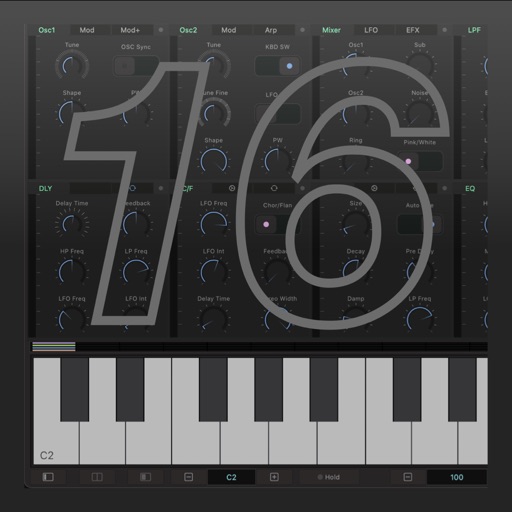
Edit and customize saxophone tones, synthesizer sounds, and shakuhachi voices. Adjust effects and modify sound parameters visually. Set detailed instrument settings not available on the device itself.
Create deep, customizable sounds with adjustable waveform and filter settings. Use as a standalone or plugin. Run multiple instances for layered sound design. Adjust sub- frequency and resonance for precise tone control.
Create and customize music with a retro . Use real YM2616 sound chips for authentic chiptune and effects. Generate pads, sound effects, drums, and leads. Adjust waveform parameters and modulation settings. Export audio files and share directly.
Create and customize sounds and drum loops. Adjust pitch, tempo, and effects. Layer drones with drum patterns. Export tracks in multiple formats and share directly.
The app offers unlimited audio and MIDI tracks with a 32-bit floating point audio engine. It includes real-time time-stretching, pitch-shifting, and a studio-grade channel strip with 17 effect processors.
Create evolving melodies and patterns using polyrhythms. nd control up to 8 sounds simultaneously. Store 16 project configurations. Use a sampler with envelopes, filters, loop crossfading, LFO, and more.
Create and manipulate complex sounds using analog-style oscillators, filters, and wavetable synthesis. Modify signals with a 3-FX-Chain and dynamic signal flow. Adjust sounds using a Morph crossfader for smooth transitions.
Create and customize virtual synths with a wide range of sounds, from analog to modern digital styles. Adjust parameters like filters, envelopes, and modulation. Export audio files and integrate with music production software.
Create and manipulate sounds with customizable oscillators and filters. Adjust envelopes and LFOs for tone shaping. Apply studio-quality effects like reverb and distortion. Save and load presets. Export audio files and share directly.
Create and edit music using sample-based composition. Import sounds via AirDrop or Files, or record with microphone or iOS interface. Play sounds on drum pads or keyboard. Apply effects and edit audio.