Create professional ID photos for passports, visas, student IDs, and more. Choose background color, select size, and capture in three steps. Export high-resolution images for free without any purchase.
Edit and customize labels with text, images, and barcode generation. Connect to thermal printers via Bluetooth, Wi-Fi, or 4G. Support multiple printer brands including Jancsinn, HPRT, and FUJITSU. directly from device or cloud storage.
Capture and edit high-resolution photos with manual exposure controls and RAW support. Adjust white balance, focus, and color grading. Import and organize images in folders. Export photos in various formats and share via social media or email.
Create custom photo frames, books, and prints directly from your phone. Upload images and text to design layouts. Choose from various paper types and finishes. Order and track shipments. Share finished products via email or social media.
Add timestamps to photos and videos with precise second accuracy. Customize time format, font, color, and size. Save modified files and export for printing or DVD burning.
Create logos in a few steps using 3000+ patterns and customizable templates. Save high-resolution PNG or JPG files. Design for businesses, events, social media, and more.
The app allows users to order prints from their photo library and online collection. Users can pick up prints at locations in Iowa, Wisconsin, or Illinois.
Select photos from phone or tablet to print on . Choose from 12x12 square or landscape/portrait sizes. Print at Walgreens. Share from Instagram, Facebook, Flickr, Google Photos, or Dropbox.
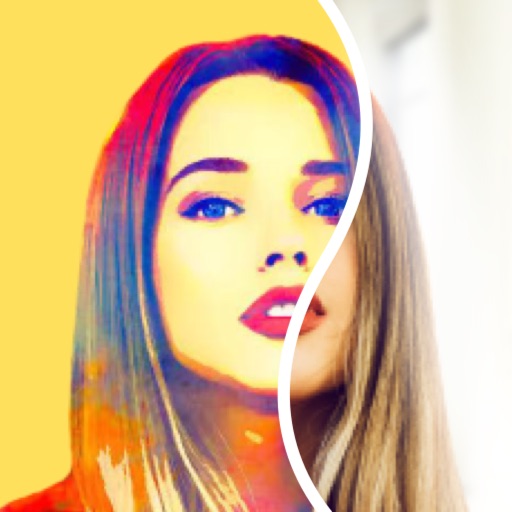
Create pencil sketches, oil paintings, and other artistic effects from photos. Choose from 13 styles including watercolor and comic black and white. Adjust colors and resize images. Export edited photos.
Create custom prints for projects. Import designs from Etsy or Canva or use templates for tumblers, tees, hoodies, and mason jars. Adjust sizes and print directly for use.
Resize images to custom sizes with pixel, millimeter, centimeter, or inch units. Maintain aspect ratio by linking width and height fields. Save, email, print, or share edited images. No ads or in- purchases.
Create ID data from smartphone photos. Retake photos as needed. Save individual data. Export in print-ready format matching 4x6 size. Print at home using compatible printers.
Create wedding invitations with customizable templates and design tools. Add text, images, and decorations. Choose between digital sharing or high-resolution printing. Include event details and guest information.
The app transforms any picture into Japanese wood-block prints with hand-chiseled outlines and brushed color. Users can adjust outline properties and color palettes, choosing between Multi-Color or Multi-Block printing styles for artistic results.
The app converts user photos into comic-book style illustrations or dot art using image effects. It offers an easy-to-use interface and allows sharing to various platforms.