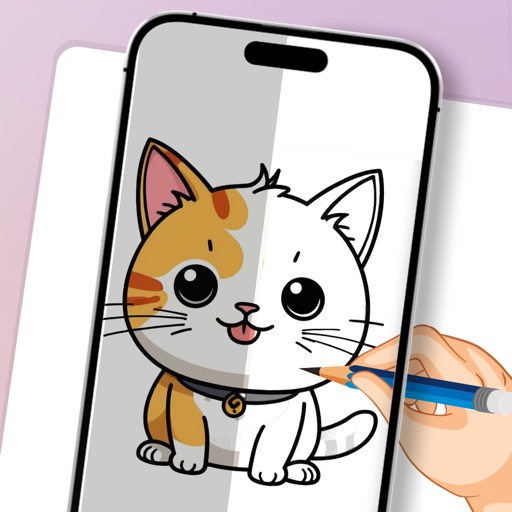
Create art with step-by-step drawing guides. Choose from categories like freestyle, hip-hop, and old-school. View styles in list or grid format. Save and share completed artwork. Adjust colors and brush sizes for customization.
Create and project drawings in real time using augmented reality. Trace and sketch on surfaces with your device. Adjust colors and brush sizes. Save and share drawings. Sync with other devices for collaborative projects.
Use AR to project drawings onto surfaces. and paint with customizable brushes and canvases. Save and share artwork. Adjust lighting and perspective for realistic effects. Import images to base sketches on.
Edit photos by adding speech bubbles with 15 styles and customizable colors and fonts. Create collages with comicbook-style layouts. Share photos directly from the . Drag, rotate, and pinch elements for editing.
Draw Anything with AR allows users to sketch and paint using augmented reality. Users can select or upload images and projected lines for accurate drawings. The provides templates for anime, chibi cars, and animals.
Create designs, stickers, and graphics with fonts,
Create custom designs and stickers using fonts, shapes, colors, and objects. Add text, edit elements, and export designs. Share creations with others. Use pre-designed templates for business cards, CVs, and logos.
Create sketches and drawings using built-in brushes and canvases. Trace real-world images with AR technology. Save and share artwork directly. Adjust brush size and opacity for detailed work. Import images to base drawings on.
Create mandala paintings using vector-based tools. Zoom smoothly for precise details. Choose from various colors and brush styles. Save and share drawings directly. Adjust layer settings for customization.
Create collages by adding photos, text, and stickers to pre-designed templates. Customize layouts, adjust colors, and apply filters. Share finished collages via social media or messaging apps.
Create still or animated drawings that flow and evolve. Use generative brushes for natural, responsive sketching. Design fluid artwork for backgrounds or sharing. Adjust brush settings for precise control. Export drawings in various formats.
The app offers over 20 drawing tools that mimic real-life implements, including wet and dry watercolor brushes. It features a tracing projector, precision tools like rulers and shapes, and full layer support for creating detailed artwork.
Create illustrations, logos, and UI designs with precise drawing tools. Import and edit graphics. Organize projects in workspaces. Export in multiple formats. Collaborate in real-time with others. Adjust colors, shapes, and layers.
Design posts with swipeable carousels and collages
Create swipeable posts and panoramic collages for Instagram. Use professionally designed templates or build custom layouts. Add text, images, and effects. Export and share directly to social media.
Create detailed artwork with realistic brushes and watercolor effects. Scale canvas up to 64 times with precise grid and pixel-level accuracy. Use over 80 brushes, erasers, smearing tools, rulers, cutters, fill tools, and color pickers.