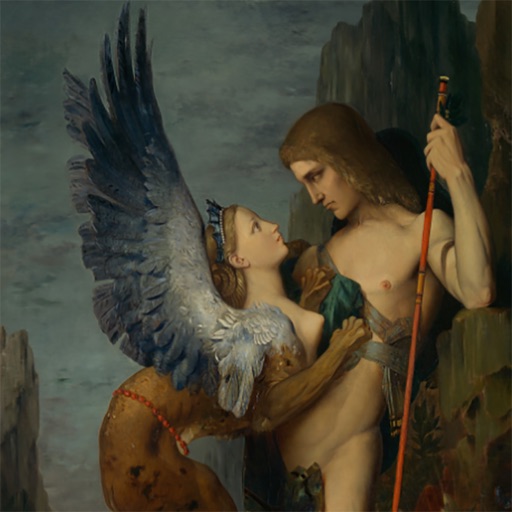
The app tests user knowledge on over 100 famous paintings and artists. Users can quiz by painting or artist name, or view paintings with details and zoom functionality.
by Blue Sky Appware, LLC★ 5.01 ratingsEducationFreeData updated 2026-10-17
Coloring allows users to select and customize colors, fill in detailed illustrations, and save progress. Features include zooming, erasing, and accessing a library of artwork.
Explore detailed information about including title, artist, creation date, dimensions, medium, and current location. Mark as favorites for quick access. Add customizable widgets to your home screen for easy viewing.
The app offers over 20 magical brushes for users of all ages to create doodle artwork. Users can save their paintings in a gallery, play them back as animations, and share them with others.
Access high-resolution paintings by Aivazovsky, Shishkin, and other notable artists. View artist biographies and share HD images via email. Explore curated art collections and learn about the historical context of each piece.
Create and customize 3D paintings with brush tools and color palettes. Adjust lighting and textures. Save and share artwork. Import images for reference. Rotate and zoom to view paintings from all angles.
Create paintings using brushes and sprays. Adjust colors and customize settings. Save and share artwork directly. Import images for reference. Use layers to organize different elements.
Allows users to play by puzzles with high-resolution images. Users can select colors, fill in numbers, and complete artwork. Features include undo options, zoom capabilities, and save progress.
The app presents users with paintings containing five subtle differences. Players search for these details across twenty-four levels featuring French and American impressionistic art.
Create a virtual art gallery with real-size paintings from over 100 famous works. View detailed information about each artwork as you look at it. Listen to audio descriptions for an immersive museum experience.