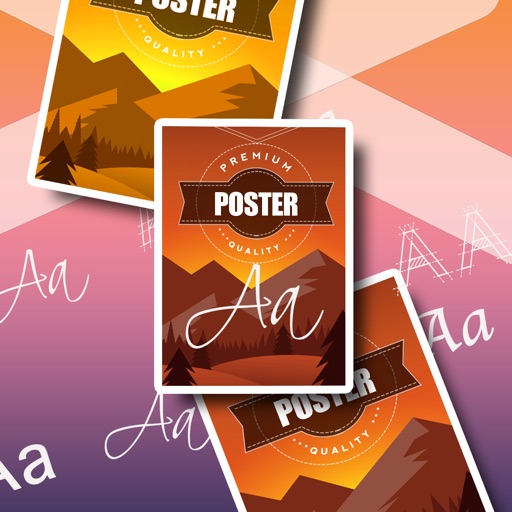
Provides for reports, resumes, flyers, and social media visuals. Users can customize layouts, graphics, and infographics. Access a large collection of pre-designed elements to enhance document creation.
Sheet Metal allows users to generate patterns for cones and other complex shapes. Input dimensions and material properties to calculate angles and layout dimensions. Export results for fabrication use.
Scan QR codes and barcodes with high-resolution output. Create custom QR codes with or without a logo. Share as PNG files. Pro version removes ads and allows unlimited color schemes.
The app allows users to crop photos into a square shape for posting on Instagram. It supports both landscape and portrait orientations and offers various background options and effects.
The app allows users to create original illustrated maps. Users can add streets, railways, rivers, and landmarks to their designs for various sharing purposes.
Convert handwritten notes or whiteboard sketches into editable diagrams. Create professional visuals using AI-powered tools. Access 40,000+ templates for flowcharts, org charts, and project plans. Edit diagrams with drag-and-drop elements.
Create color palettes from photos using automatic or manual mode. Save palettes in Adobe .aco format for use in Photoshop. Export palettes as images or share via social media.
The app offers on-device photo editing with AI features like background removal and auto-enhancement. It includes over 38 filters, stickers, text editing, and export options for HEIC, JPEG, or PNG formats.
The app allows users to create documents with mathematical expressions, geometrical shapes, matrices, images, and text. It offers a math keyboard for editing equations and supports iCloud for saving and opening files across devices.