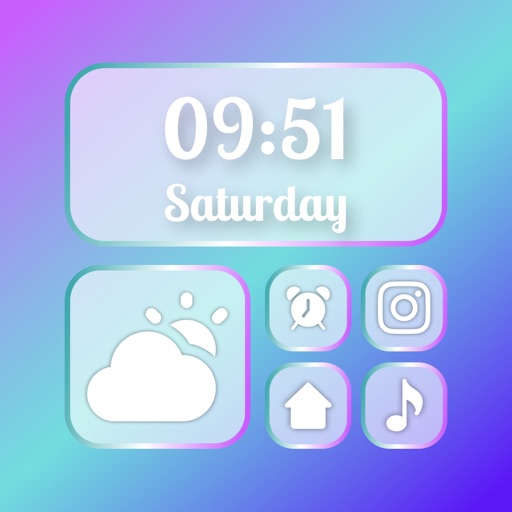
Customize Lock Screen, Home Screen, and Dynamic Island widgets with iOS 26’s Liquid Glass design. Pair with exclusive themes for a cohesive look. Choose from Dark, neon, minimalist, and cute styles.
Customize iPhone home screens with widgets, , and icons. Add widgets for quick access to apps and information. Choose from various and . Replace default icons with custom designs. Organize home screen layouts with drag-and-drop functionality.
Customize and Lock Screens with themes, icons, and widgets. Add widgets for quick access to apps and information. Choose from a wide selection of wallpapers and design personalized themes.
Set countdowns for events on home screen and lock screen. Customize styles for different occasions. Track time remaining with tap gestures. Use as a timer on home screen, lock screen, or StandBy.
Customize phone interface with desktop , charging animations, and wallpapers. Select from various widget types. Adjust layouts and themes to personalize appearance. Share custom designs with others.
Customize lock screen, home screen, and control center with wallpapers, widgets, and themes. Choose from various styles and layouts. Edit images, add text, and apply filters. Sync themes across devices. Share custom designs with others.
Access shortcuts, , and quick actions on Home Screen, Lock Screen, and Notification Center. Customize layouts with favorite apps and . Set up intelligent shortcuts for frequent tasks. Manage groups and organize home screen layouts.
Customize home screen with widgets. Choose from thousands of designs and presets. Adjust layout and spacing. Add widgets to lock screen. Set custom colors and styles for a personalized look.
Select and customize wallpapers with daily handpicked designs. Edit colors, add text, and adjust layout. Share wallpapers directly or save for later use.
Customize home screen with , themes, and wallpapers. Add 3D and depth wallpapers. Mix and match designs from professional creators. Use CarPlay for enhanced navigation and media control.