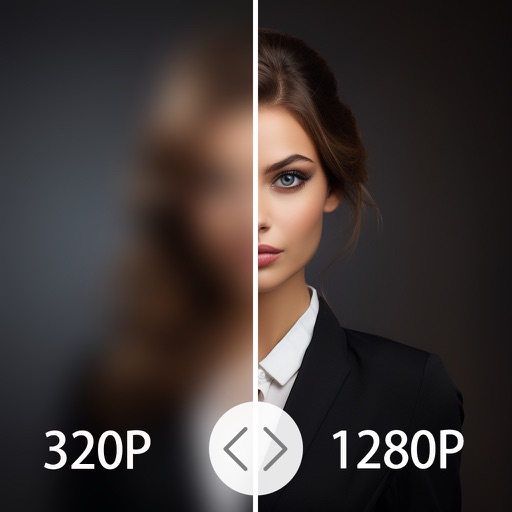
Edit photos with AI-enhanced tools for clarity and resolution. Remove unwanted elements and separate figures or objects. Apply AI skin corrections and custom filters. Adjust HSL and curves for precise color and tone control.
Enhance images with AI-powered upscaling. Fix blurry photos by sharpening and clarifying them. Restore old and faded images using AI restoration. Increase resolution for clearer details. Adjust brightness, contrast, and color balance.
Edit photos with healing, brush, structure, HDR, and perspective tools. Open JPG and RAW files. Save custom styles for reuse. Apply selective filters with precise control. Adjust settings non-destructively and export as JPG.
Edit photos with , cropping, and adjustment tools. Add text, stickers, and effects. Export in multiple formats and share directly. Supports videos, Live Photos, and works across iOS and Mac devices.
Edit photos by removing blur, correcting lighting, colorizing, and sharpening images. Compare before and after versions. Save and share enhanced photos directly.
Edit photos and videos with 300+ filters and presets. Apply overlays and adjust colors and brightness. Save edits in multiple formats and share directly. Sync with social media platforms for seamless posting.
Upscale images to 2x, 4x, or 6x resolution using AI. Adjust colors, brightness, and contrast with HDR. Customize output settings and save or share enhanced images.
4x enhances image resolution by 200%, 400%, or 800%. It restores low-resolution faces using Face AI technology. It preserves details while enlarging images. Users can upload photos and apply restoration features.
Edit photos and videos with vintage and retro styles using curated presets. Apply filters to adjust color, contrast, and tone. Use templates for minimal, paper, film, or polaroid effects. Export edited content in various formats and share directly.
To remove motion blur and sharpen details. Denoise images to eliminate grain and noise. Upscale resolution for clearer, sharper visuals. Edit colors, contrast, and brightness. Save and share enhanced images directly.
Edit photos using one-tap presets for instant style. Adjust brightness, contrast, and saturation manually. Crop, rotate, and straighten images. Add text, stickers, and borders. Export edits in various formats and share directly.
Restore old, blurry, or damaged photos using AI-based enhancement. Adjust clarity, brightness, and color. Remove blemishes and red eye. Resize and export in various formats. Apply filters and effects. Share restored images directly.
Restore and enhance images with one-tap clarity, sharpening faces and boosting up to 4x resolution. Apply vintage restoration and colorisation. Use creative filters and editing tools to restyle photos for social media and professional use.
Enhance photos with AI-based clarity and detail. Remove blur and improve lighting. Edit vintage photos for modern clarity. Share enhanced images directly. Apply filters and adjust colors. Export in high-definition formats.