Files with cutting, copying, pasting, trimming, fading, and silence tools. Apply sound effects like pitch, reverb, delay, and adjust EQ for professional tuning. Record voice or and save in various formats.
Play rhythm-based games with melody and rhythm modes. Choose between chill or challenge difficulty. Follow on-screen notes to score points. Miss notes to lose your part. Explore song charts and indie music tracks. Compete for high scores.
The app offers a comprehensive browser for 152 chords and 162 scales, featuring staff notation, a notes quiz, and a symbol library. It includes a multi-touch piano and detailed views with intervals and descriptions for musicians.
Create and edit progressions with inversions, sus2, sus4, 7th, and 9th chords. Play chords as piano or synth or send MIDI to macOS. Use phone as MIDI keyboard for macOS. Practice reading musical notation.
Turn songs into mashups by merging tracks and auto-matching BPM and key. Remix audio by editing, slicing, and arranging sections. Swap vocals using AI to replace voices with famous artists. Export and share customized mixes directly.
Offers a pipe for note identification, a piano with 6 octaves for vocal warm-ups, and a tuner to detect notes. Users can play notes, adjust , and practice singing with professional audio quality.
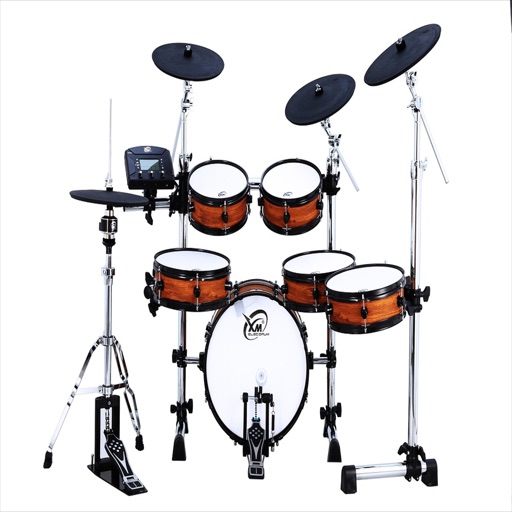
Create music using drum kits, samples, and sound effects. Tap sample blocks to build beats and tracks. Add melodies, snares, cymbals, and kicks. Export and share finished compositions.
Record audio using phone microphone for instant sampling. Create beats by arranging samples, applying effects, and building tracks. Resample output into new inputs for extended sound manipulation. Track progress in real-time with intuitive interface.
The app offers a spiral-shaped keyboard and a chromatic piano keyboard for playing melodies and chords. It allows users to study scales, modes, and the circle of fifths, and learn solmization methods.
Create beats using professional studio samples and preset kits. Record and share beats with friends or the community via social media. Access tutorials and videos to learn production. Apply effects to enhance beats.
Learn to play the by recognizing musical notes and pressing keys to create chords. Practice playing simple tunes. Explore other musical instruments in the . Track progress through interactive lessons and exercises.
Create music with 7 Cubes offering customizable session settings. Use an interactive loop-machine for rhythmic patterns. Access 7 instruments with sequenced note input and effects.