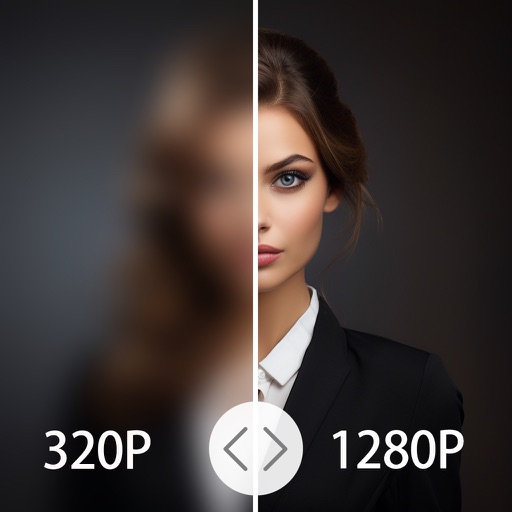
Enhance low-quality images into high-resolution photos using AI upscaling. Preserve and add fine details during enhancement. Use custom prompts to adjust lighting, backgrounds, and specific details for precise edits.
Remove unwanted people and blemishes from photos or videos by painting and erasing. Edit images with AI tools, add text, filters, and effects. Adjust facial features like face shape, forehead, chin, and cheeks.
Edit photos by removing objects, erasing backgrounds, enhancing quality, expanding canvas, or replacing elements. Generate new images with AI filters. Perform basic edits and apply creative AI effects. Save and share edited photos directly.
Enhance blurry images to produce high-resolution faces. Unblur old photos for clearer results. Analyze historical images to reveal detailed facial features. Output sharpened versions of low-quality images.
Edit photos with AI upscaling to 4K resolution. Remove blur, details, and restore image . Adjust brightness, contrast, and color. Export enhanced photos in high-definition formats.
Edit photos by copying, pasting, swapping, flipping, and rotating faces. Apply effects to create realistic and humorous results. Save and share edited photos directly from the .
Backgrounds from photos using AI-powered tools. Edit photo backgrounds, replace with new ones, and generate PNG files. Save and share edited images directly.
4x enhances image resolution by 200%, 400%, or 800%. It restores low-resolution faces using Face AI technology. It preserves details while enlarging images. Users can upload photos and apply restoration features.
Restore and enhance images with one-tap clarity, sharpening faces and boosting up to 4x resolution. Apply vintage restoration and colorisation. Use creative filters and editing tools to restyle photos for social media and professional use.