Scan surfaces or products to match colors to color codes. Build and save custom palettes. Share color selections with colleagues. Access exclusive content and color libraries. Export color codes for projects.
Create digital art with natural brush strokes and realistic paper textures. Use 40+ brush presets for detailed painting. Edit images with color adjustments, liquify tools, and cropping. Apply layers and blend modes for advanced compositing.
Record notes, write diaries, and track expenses. Create class schedules or relationship memoirs. Use stickers, stationery, and templates. Edit text, add drawings, and save daily records. Sync with devices for access.
Draw and create with finger or Apple Pencil. Access professional tools including layers, brushes, and materials. Import images. Edit and save drawings. Share completed artwork.
Allows users to measure spaces using laser meters to create detailed floor plans. It includes doors, windows, countertops, cabinets, and plumbing fixtures.
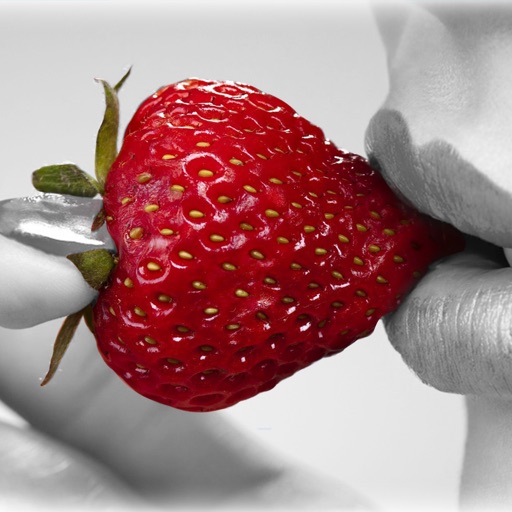
The app allows users to recolor photos and apply color effects. Users can choose from 66 vivid colors or black and white to decorate images, with options to adjust brush size, intensity, and translucence.
Create and organize handwritten notes with customizable stationery and stickers. Edit accounts manually with detailed tracking. Classify notes into handbooks for structured management. Set passwords to secure personal data.
Edit photos with crop, rotate, exposure, color, sharpness, and resize tools. Create grid collages and edit individual images. Access presets, clone tool, and fine curve adjustments for detailed edits. Export and share edited photos directly.
Create and edit labels with text, fonts, and templates. Mix text and graphics. Print documents and labels. Connect to hardware for label making and paperless office tasks.