Set a customizable on the home screen with various design options. Choose from different styles and layouts. Adjust time format and color settings. Place the in iOS14 home screen for easy access.
Crop photos using a cropping tool. backgrounds and unwanted objects with an eraser tool. Select areas to erase and create transparent backgrounds. Edit images for white or clean backgrounds. Export edited photos and create stickers.
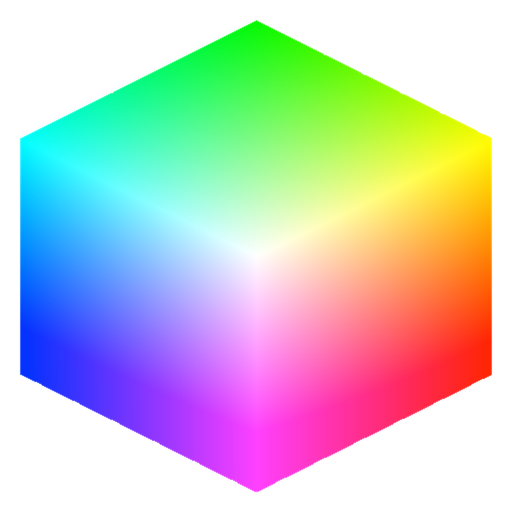
Manage color schemes and match colors professionally
Users can create and manage color schemes, access professional color matching libraries, and apply color adjustments to photos. The allows exporting edited images and sharing them directly.
Edit photos with AI-powered enhancement, colorization, and object removal. Adjust lighting, sharpen details, and correct imions. Apply filters and restore old photos. Export edited images in various formats.
Create pie charts, donut charts, and spie charts with unlimited data points and color options. Save charts to Photos or for later editing. Share charts via email, messages, or social media.
Create mood boards and organize reference images with smart asset management. Pick precise colors and collage freely. Edit across iPhone, iPad, and macOS with unlimited canvas and batch processing.
AutoSub allows users to add to videos using AI-generated text. Customize with formatting options. Edit videos by cropping, rotating, and adjusting settings. Change background to blurred, gradient, or solid color. Add animated text and emojis.
Edit photos with dozens of presets and color correction tools. Adjust lighting and apply special effects like lens flares and vintage dust. Create collages and add text with exclusive fonts. Share edited images directly.
Create organic shapes with intuitive tools. Adjust colors and brush settings for detailed control. Save and share artwork directly. Access calming ambient sounds and nature scenes to enhance focus and relaxation.
Create custom bar charts, pie charts, and other graph types by inputting data. Adjust colors, labels, and layouts. Export charts as images or PDFs. Share directly via social media or email. Sync data from spreadsheets or manually enter values.
Create pixel art sprites with drawing tools and a powerful engine. Open and edit pixel art files from Files. Use iCloud Drive for cloud storage. Support Apple for precise input. Import and customize color palettes.
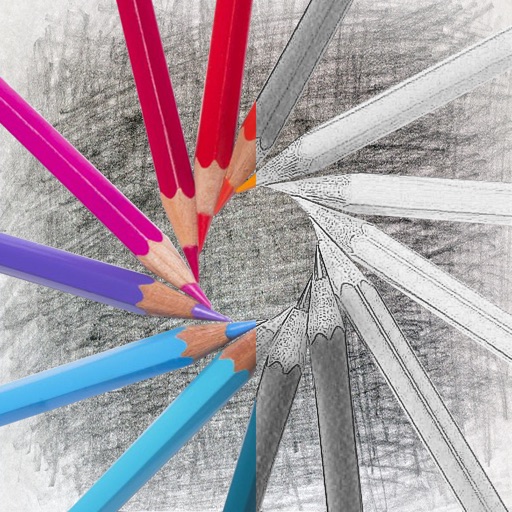
Convert photos into sketches with tone drawing engine. Adjust pen color, size, and background. Generate strokes with transparent backgrounds. Save sketches in original size and colorize with original colors.