Create and color paper objects that unfold into origami scenes. Mix to generate new shades. Take photos of completed artwork. Toss paper balls for interactive . Share creations with others.
Enhance and restore old photos using AI image processing. Adjust clarity, color, and brightness. Remove blur and repair damaged areas. Convert black and white photos to color. Export edited images in various formats.
Apply AI-generated art filters to photos using style transfer technology. Adjust brightness, exposure, and temperature for fine-tuning. Save and share edited images directly.
Create still or animated drawings that flow and evolve. Use generative brushes for natural, responsive sketching. Design fluid artwork for backgrounds or sharing. Adjust brush settings for precise control. Export drawings in various formats.
Customize smartwatch with analog, digital, and animated designs. Add widgets, portraits, and gravity effects. Create and personalize . Share custom designs. Sync with Apple .
Edit photos with AI-powered filters and effects. Transform images into -style art and cartoon avatars. Add text, stickers, and animations. Export in various formats and share directly.
Watch and save hypnotic videos featuring nature, 3D animations, loops, mandalas, and fractals. Upload personal videos for others to view. Report inappropriate content through in- tools for review within 24 hours.
Create freehand artwork from real-life images using AR technology. , , and paint over live camera views. Add text and stickers to drawings. Export creations in multiple formats and share directly.
Create animated widgets for Lockscreen using iOS 16 features. Add moving transparent elements and live animations. Customize with couple GIFs and dynamic island integration. Share feedback via email.
Kids can color illustrations with touch-screen tools, select from multiple colors and brushes. on provided templates, save or share completed artwork. Listen to sounds and animations, follow drawing lessons to improve fine motor skills.
Edit photos and videos with advanced auto enhance tools, double exposure, and 425 special light effects. Apply filters, add stickers, typography, and vignettes.
Scan objects and environments in real time using technology to create detailed 3D models. Adjust scan settings and export files in various formats. Share 3D content directly from the .
Upload photos to visualize color changes and mock-ups on furniture, rooms, and cars. Apply finishes and products instantly. Export images or video time-lapses of transformations. Create before-and-after visuals for home decor, vehicles, and more.
Edit photos with background erasing and replacement. Remove backgrounds automatically or manually using AI. Replace backgrounds with custom images, colors, gradients, or textures. Adjust and enhance images with precise editing tools.
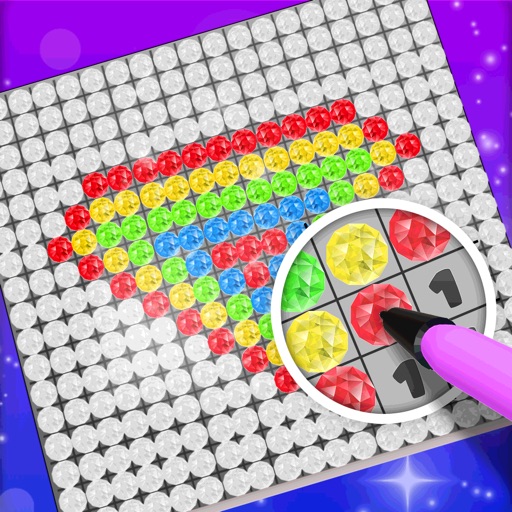
Choose a 3D model to color. Select colors and apply them to specific areas of the model. Tap to place diamonds in designated spots. Complete the artwork by filling all sections. Save or share finished creations. Adjust settings for lighting and zoom.
Create drawings by tracing images from the 's library or photos. Adjust line thickness and color. Add text and graphical elements. Export drawings in multiple formats. Share completed artwork directly.