

Apps Like Transparent Drawing for iPhone and iPad
Transparent Drawing screenshots
Ranked alternatives
Showing 101–120 of 1,000 ranked alternatives.
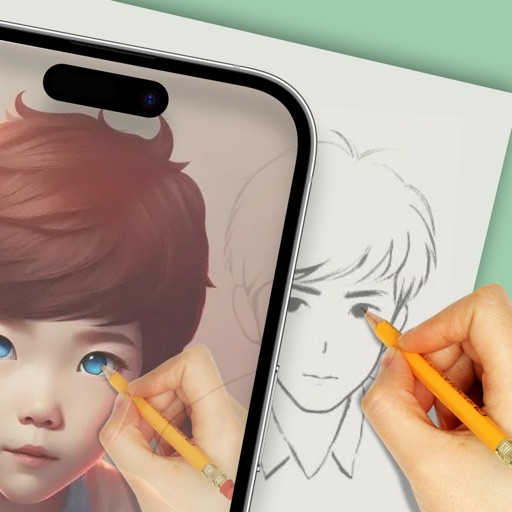
Projector AR Drawing - Creator
Zipo Apps Ltd.
Draw with AR, create art instantly
Use augmented reality to draw on any surface. Create sketches with AI-assisted tools. Select and customize NFT images from your phone gallery. Export drawings in various formats. Share artwork directly from the .

Turn Photo to Sketch: Graphite
Digital Masterpieces GmbH
Edit photos and videos into drawings
Edit photos and videos into high-quality drawings, sketches, and illustrations. Apply pencil, charcoal, or technical filters. Enhance videos with advanced filters. Export edited content in various formats.

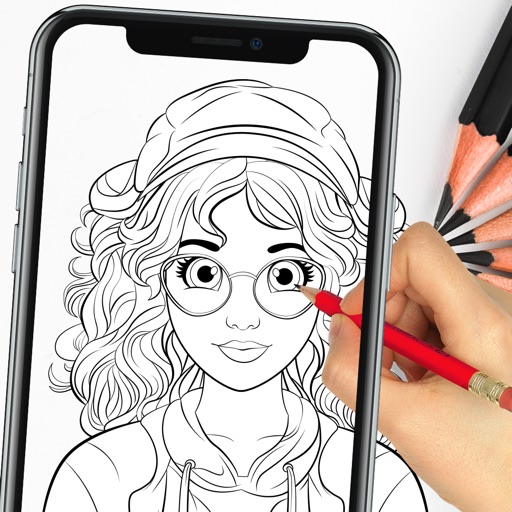


How to Draw Anime Easy
Vinh Tran
And manga characters
Learn to characters using augmented reality guidance. Follow step-by-step tutorials to sketch facial features, body proportions, and expressions. Use AR overlays to visualize and refine your drawings in real time.

AR Drawing, How to Draw, Trace
利云 叶
Draw on surfaces with AR
Draw Anything with AR allows users to sketch and paint using augmented reality. Users can select or upload images and projected lines for accurate drawings. The provides templates for anime, chibi cars, and animals.



Flipper - Mirror Image Editor
Aleksandr Romanchev
Select photo, apply effect, edit and share
Choose a photo from your camera roll or take a new one, then apply effects automatically. Select from various styles, adjust positioning, zoom, and customize edits. Save and share the final .


Sketch Pro: Draw & Create Art
4Axis Technologies Pte. Ltd.
, edit, and share digital art
Detailed artwork with customizable brushes and specialized toolsets for sketching, painting, and doodling. Access advanced AI features to enhance creative workflows. Export and share finished projects directly.

Kritaa: AR Drawing, Sketch.ly
Robust Research And Development Ltd.
Draw in AR, edit with tools, share
Create drawings using AR tools, trace real-world objects in real-time, and convert photos into sketches. Access a library of templates for design projects. Share artwork directly from the .

Sketch Tree - Art Drawing Pad
guangxie chen
Draw with realistic tools and edit images
Create realistic artwork with pencil, brush, pen, and marker tools. Import images as layers and edit with eraser, ruler, compass, and other tools. Add stickers and use layer management for detailed painting and design.

Sketch Me!
Bluebear Technologies Ltd.
And share your ideas anytime
Convert photos into sketches using up to six different image effects. Apply filters, adjust contrast, and save or share the edited images. Export in various formats and view before-and-after comparisons.

Astropad Studio Drawing Tablet
Astro HQ LLC
Create, customize, and share digital art
Create and edit digital artwork with wireless capabilities. Connect via Wi-Fi or USB. Use as a secondary display. Access gesture shortcuts for quick actions. Customize workspace layout and settings.
How we rank alternatives
Apps are ranked by functional similarity, category fit, rating confidence, and popularity.