Explore chords, scales, and arpeggios with interactive libraries. Select root notes and adjust lowest or highest notes for custom chord shapes. View and practice scale patterns with detailed diagrams.
The app identifies chords and scales, displaying their construction on a grand staff. It offers fingering, relative scales, and compatible chords, aiding composition and practice with a chord progression builder.
Learn music theory with lessons on chords, scales, and intervals. Identify melodies by ear and practice sight reading. Train rhythm, solfège, and note recognition. Sing notes and intervals to improve pitch accuracy.
Play traditional sounds with adjustable chord, rhythm, and instrument volumes. Customize pitch by sliding strings and transpose notes. Adjust rhythm speed and access two octaves of playable range.
The app provides tools for composing guitar songs, including automatic arpeggio, a chords tapboard, and pattern tapboard. Users can record and playback songs with animations and view chord fingering hints.
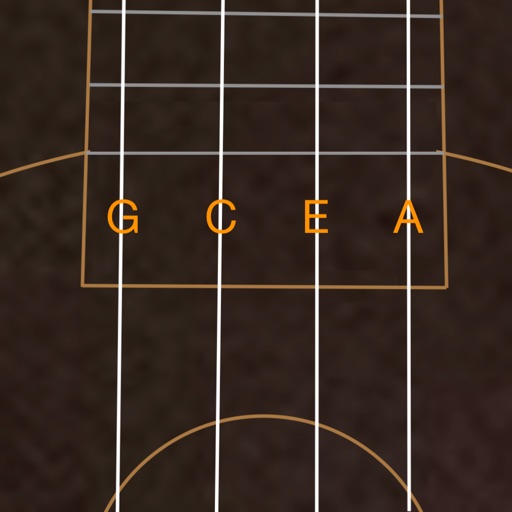
Access ukulele with detailed fingering and audio examples. Search for via built-in tools or Spotlight. View multiple chord positions and learn suggested finger placements.
The app allows users to compose music for various ensembles and offers handwriting recognition with Apple Pencil. Users can import scores, edit notes, and export compositions as PDF, MusicXML, or MIDI files.
Play chords and melodies using a tactile keyboard interface. Hold buttons and swipe or tap to create sounds. Access chords and notes via a grid for precise selection. Adjust pitch, harmonize, and apply real-time audio effects.