Apps Like TripRank - Speed Tracker for iPhone and iPad
Track trips, view stats, share results
Track trips automatically to view time, distance, max and average . Generate shareable images with key stats after each trip. Access detailed driving data including acceleration, braking, cornering, stops, lane changes, and G-force.
by Uros Mijajlovic★ 5.012 ratingsNavigationFreeData updated 2026-09-06
Record rides and track distance, speed, elevation, and other metrics. Monitor real-time stats and progress. Use in- route planning and live tracking. Access offline maps for . Share data and explore community-curated cycling routes.
Find ethanol-free gas stations sorted by distance. View map to locate stations. Get driving directions to selected stations. Track and save fuel mileage and trip distance at each fill-up.
Plan trips by creating itineraries, budgeting costs, and organizing flights and hotel bookings. View destinations on a map and collaborate with others. Export trips to Google Maps with Pro and share guides after the journey.
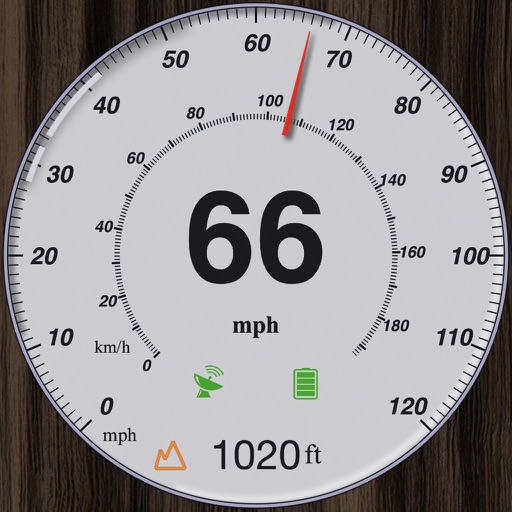
GPS measures and displays speed for walking, jogging, cycling, cars, boats, trains, and airplanes. Users can select display units and choose between two scales. Trip recording and average speed tracking are available.
The app provides real-time predictions for every Metro rail line and bus route in Washington DC. It offers trip planning, an interactive system map, and alerts for service disruptions.
Track fares and calculate trip estimates with real-time pricing. Log trips and generate reports. Accept payments securely through integrated payment methods. Manage fleet operations and monitor driver activity. Set fare rates and track income.
Navigate with detailed turn-by-turn directions using real-time alerts and updated . Set destinations, view routes, and receive voice guidance. Save favorite locations and track progress on trips. Receive updates and reroute automatically.
Personal vehicle tracking solution by Abdul Latif Jameel.
The app provides subscribed users with live vehicle tracking and historical driving routes. It includes in-app notifications for speeding, area alerts, maintenance reminders, towing, and driving behavior.
Monitor speed with unit switching between KM/H, MPH, and KTS. View analog or digital speedometer displays. Track journeys with detailed logging and route mapping. Integrate music playback and receive real-time weather updates.
Track with high-precision GPS. Record trips and display real-time data on a head-up display. Receive speeding alerts. Navigate with integrated map support. distance, time, and elevation. Share trip data.
Track speed and distance in miles and kilometers. Monitor real-time speed and display maximum and average speeds. Check speed limits and receive warnings for speed and red light cameras. Access offline maps and view weather conditions.
Navigate with updated maps and improved routing for smoother trips. Locate nearby service points with detailed information. Track ride history with performance data including average power, peak power, and regenerated power during braking.
Track driving costs in real-time by entering fuel price and efficiency. Split trip expenses with passengers. Record trips for review or sharing. Monitor speed with visual and sound alerts when exceeding preset limits.
Track driving routes, speed, and real-time stats with Apple Maps integration. Set speed limits and receive alerts. View trip summaries and performance metrics. Sync data across devices for consistent monitoring.
Provides GPS altitude and pressure altitude readings. Displays speed in kph, mph, and knots. Measures barometric pressure in multiple units. Tracks acceleration in G forces. Shows location, magnetic, and true heading.
Track speed with accurate GPS measurements and view average and maximum speed per trip. Choose units and monitor distance traveled and estimated travel time. Use turn-by-turn navigation to build routes.