The app allows users to pixellate parts of photos to hide or obscure areas. It can also be used to create humorous and interesting visual effects from normal photos, encouraging creative use of imagination.
Edit photos and videos with filters, effects, and adjustments. and scale using predefined canvases. Rotate, flip, and blur images. Add text, stickers, and frames. Share full-size content to Instagram and other social media without cropping.
Display scrolling with customizable styles including color, background, font, and glow effects. Adjust scrolling direction for up, down, left, right, or fixed movement. Set content for messages, announcements, or personal expressions.
Create and edit videos with real-time location overlay, date stamps, and crystal ball effects. Add particle effects, draw with a pen, and apply film filters. Include watermarks with current location and date.
Edit photos with filters, backgrounds, patterns, textures, frames, and stickers. images to format. Access photos from the gallery or capture new ones with the camera. Apply creative tools to enhance and style images. Share edited photos directly.
Edit photos with , oil painting, art, dream, sketch, magic, anime, and comic filters. Apply effects to selfies or images. Save and share edited photos directly.
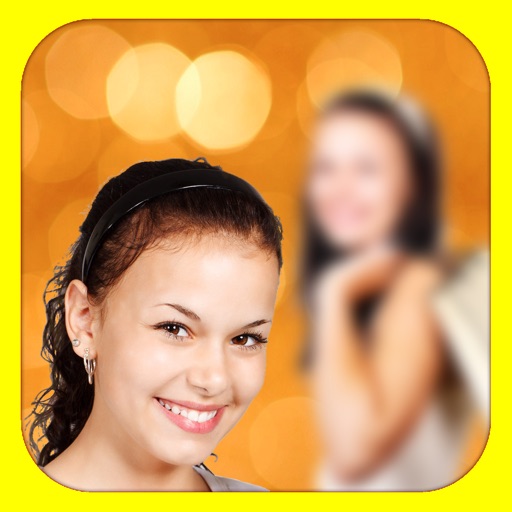
The app adds depth of field to images, creating realistic blurs with Bokeh effects. Users can adjust blur amount, paint focus areas, and share creations on social media or save them.
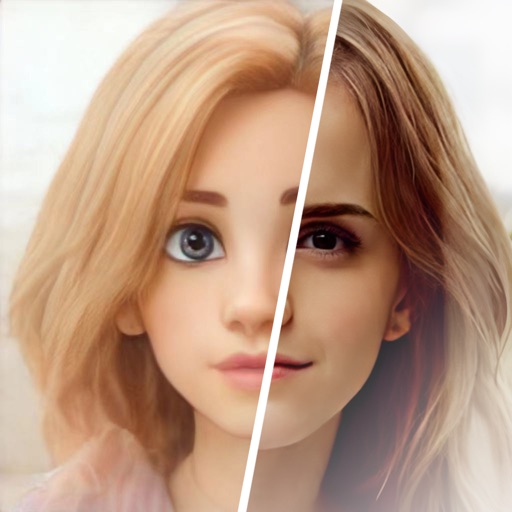
Edit photos with AI cartoonization and 3D effects. Adjust colors, lighting, and sharpness. Crop, rotate, and apply filters. Add stickers and music. Use templates and transitions to enhance videos. Share edited content directly.