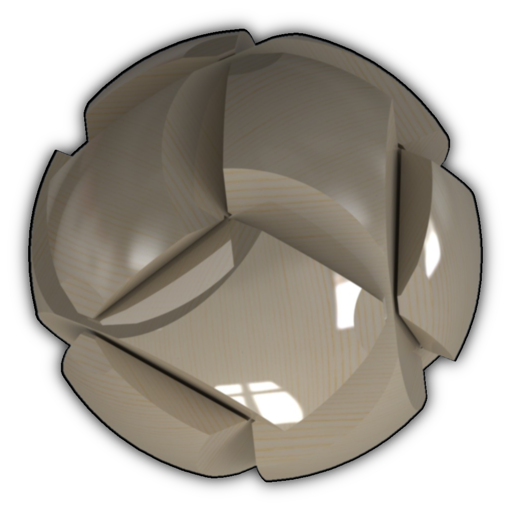
Visualize and interact with 3D mathematical like spheres, tori, and Möbius strips. Rotate, zoom, and pan using touch gestures. Adjust tessellation detail and fill style. Toggle between solid and wireframe views. Control auto-rotation speed and axis.
by Colin Ford★ 0.00 ratingsGraphics & DesignFreeData updated 2026-09-06
Create photo collages by combining 2 to 9 images into one. Adjust size, position, and layout. Choose from various templates and styles. Add stickers, frames, effects, and patterns. Share finished collages directly.
Create designs using an AI generator that offers multiple styles like tags and murals. Choose colors and patterns. Save or share artwork directly. Adjust details with editing tools. Import custom images for personalized designs.
Create vector artwork on iPad with precise drawing tools. Align objects to grids, paths, or points. Scale and rotate multiple objects in real time. Use masks to cut out elements from artwork or photos. Position text at any angle or along paths.
Create art with layers and animation support. Use a variety of tools for detailed design. Add background music to animations. Export videos in MP4 format. Sync projects via Google Drive. Join a community for feedback and collaboration.
Create collages using up to 15 photos with customizable layouts. Adjust size, position, and rotation. Crop with various proportions. Convert photos to square formats with blur, color, or tile backgrounds. Apply filters, rotate, flip, or clip photos.
Create mandala paintings using vector-based tools. Zoom smoothly for precise details. Choose from various colors and brush styles. Save and share drawings directly. Adjust layer settings for customization.
Create posters with one click using pre-designed templates. Select photos from camera roll or albums with intelligent portrait recognition. Customize without restrictions and export final designs.