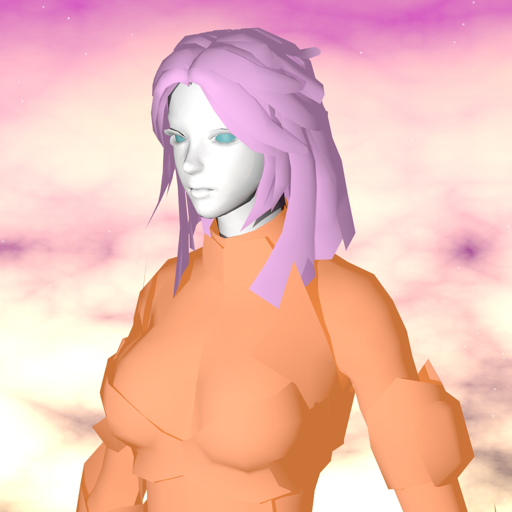
Visualize and interact with 3D mathematical like spheres, tori, and Möbius strips. Rotate, zoom, and pan using touch gestures. Adjust tessellation detail and fill style. Toggle between solid and wireframe views. Control auto-rotation speed and axis.
by Colin Ford★ 0.00 ratingsGraphics & DesignFreeData updated 2026-09-06
Edit photos by adding speech bubbles with 15 styles and customizable colors and fonts. Create collages with comicbook-style layouts. Share photos directly from the . Drag, rotate, and pinch elements for editing.
Use AR to visualize layouts and changes in real time. Place virtual appliances, countertops, and cabinets in your space. Adjust dimensions and materials. Save and share plans. Sync with Apple Health.
With AR to images or text on real surfaces. Use guided frames for beginners. Create sketches and color them. Export artwork in various formats. Sync projects across devices.
APPNATION YAZILIM HIZMETLERI TICARET ANONIM SIRKETI
Visualize spaces with AI tools
Use AI to visualize interior ideas from photos. Adjust lighting, furniture placement, and color schemes. Generate 3D views and save plans. Share projects with others for feedback.
Create 3D designs for apparel, accessories, and packaging. Import custom 3D models and edit 2D patterns at 1:1 scale. Use PBR materials and export high-quality designs for production.
Create digital art projections on any surface using connected projectors. Adjust lighting, shadows, and details with voice commands. Share creations with a community or synchronize multiple projectors for collaborative displays.
Edit photos and videos into high-quality drawings, sketches, and illustrations. Apply pencil, charcoal, or technical filters. Enhance videos with advanced filters. Export edited content in various formats.
AR : Project sketches onto real-world surfaces for accurate proportions. Use stand mode for stable, low-latency . Convert paper sketches into digital art with precise tracing and editing tools. Save and export artwork in multiple formats.
On photos or backgrounds with customizable stencils for shapes and patterns. Use over 1400 stamps to decorate artwork. Apply smudge tool for textured effects without touching the screen. Save and share completed drawings directly.
Edit photos with custom cropping, flipping, and rotating tools. Adjust incline and stretch for precise edits. Apply cinema-grade color grading and one-touch Magic Sky edits. Use poster templates for creative layouts.