AI-powered photo curation selects and crops images from your album. Users can customize timelines to explore photos. Intelligent cropping allows sharing as live wallpaper, collage, composite, or individual images.
Crop and rotate images using preset or custom aspect ratios. Resize photos with precise dimensions or custom inputs. Process multiple images in batches. Adjust quality for optimal sharing or printing. Export edited files in various formats.
Edit photos with stickers, filters, and effects. Add text and customize images. Share edited photos directly. Retouch images with over 200 -themed stickers. Save and export in various formats.
Edit videos with rotation, scaling, and cropping tools. Add borders and frames for square format. Trim clips and share directly to Instagram, Facebook, or Vines without cropping. Apply blur to background for enhanced visuals.
Create professional , ID, , and document photos for 190+ countries. Adjust background, crop, and edit images with AI tools. Select from predefined templates and export in required formats for printing or submission.
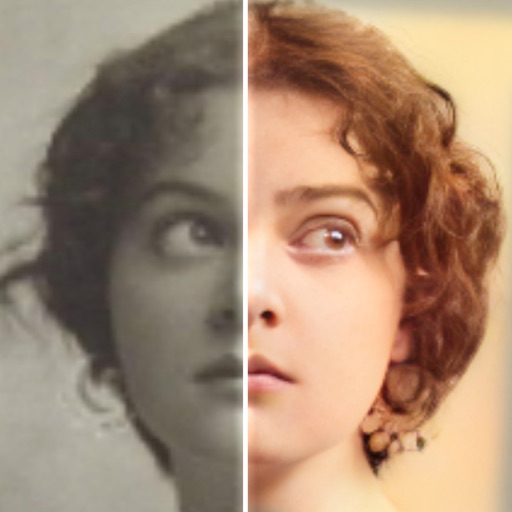
Edit photos with AI colorization, enhancement, and restoration. Remove scratches, tears, and blurs. Convert black and white images to high-definition . Adjust clarity and brightness. Share restored photos directly.
Record HD videos and movies. Apply filters and effects. Crop and rotate videos. Adjust contrast, saturation, brightness, and temperature. Fine-tune colors and create custom filters. Use presets. Export in high resolution. Share videos directly.
Edit photos with text addition, drawing tools in multiple colors, and cute icon placement. Crop images using various ratios. Export edited photos in different formats.
Create ID photos by removing the portrait from the background using brush tools. Choose from over 20 background styles including solid colors and spotlight options. Export the final image in standard photo format.
Arthur Eduardo Skaetta Alvarez Desenvolvimento de Software LTDA.
Photos and save to albums
Documents and photos using the device camera. Save scanned images to the camera roll or organize them into albums. Automatically crop scanned images by detecting paper edges. Adjust brightness and contrast for clearer scans.
Edit photos with filters, effects, and backgrounds. Add stickers and choose from various fonts. Crop, resize, and rotate images. Create square photos and adjust ratios. Share edited photos directly.
Convert rectangular videos to square format for Instagram. Post full videos without square cropping. Create custom wallpapers for iPhone lock screen based on device model and clock position.
Edit photos with brightness, saturation, and contrast adjustments. Add text, stickers, and memes. Crop, rotate, and straighten images. Apply effects and frames. Sharpen or blur photos. Import images from the camera roll. Fix red tones.