Create by painting individual pixels. Adjust canvas size, select colors, and customize border settings. Erase, undo, and resize drawings. Save artwork to gallery and storage. Share completed pieces others.
Watch 360° of events, destinations, and behind-the-scenes content. Control camera movement and interact with immersive streams or recorded footage. View content with or without a VR headset.
Control TV with a , content to a smart TV via Wi-Fi, mirror iPhone or iPad screen to a TV. videos, pictures, music, web pages, PDFs, and drawings. No additional hardware required.
Lets users complete unfinished drawings by adding details to scenarios. Users can navigate through various puzzles, solve logic-based drawing challenges, and create humorous stories.
Create and animate 3D sculptures in real space using AR. Manipulate colorful ribbons with gestures to shape dynamic elements. Overlay creations on real-world scenes via camera. Share interactive art directly from the .
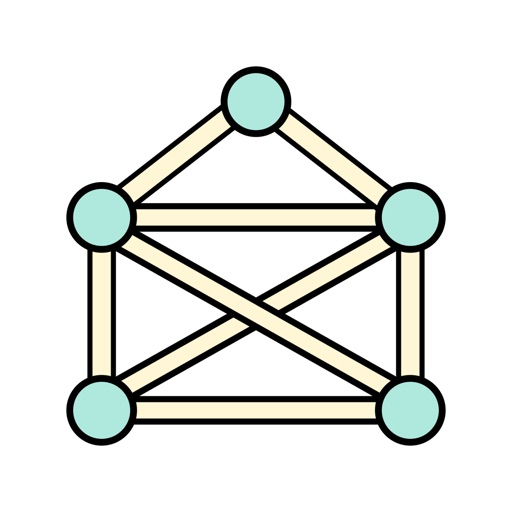
Figures with a single continuous line without lifting your finger. Solve 150 levels to improve visual agility, logic, and reasoning. Track progress and replay levels for practice.
Numbers within customizable ranges. Spin a wheel with adjustable segments. Select items using fingertip gestures for quick navigation. No in- advertisements.
Scan tickets to collect symbols. Earn entries for monthly drawings. View collected symbols and track progress. Participate in promotions during specified periods. Share results with friends.
Create calming effects by swiping fingers across the screen. Interact with colorful particles that respond to touch and movement. Explore over 50 unique visual effects designed for relaxation and stress relief.
Edit photos with brushes and black-and-white effects
Edit photos by converting them to black and white and selectively retaining with a finger brush tool. Zoom in and out using two-finger pinching for precise adjustments. Share edited images via email or upload to Twitter, Flickr, or Dropbox.