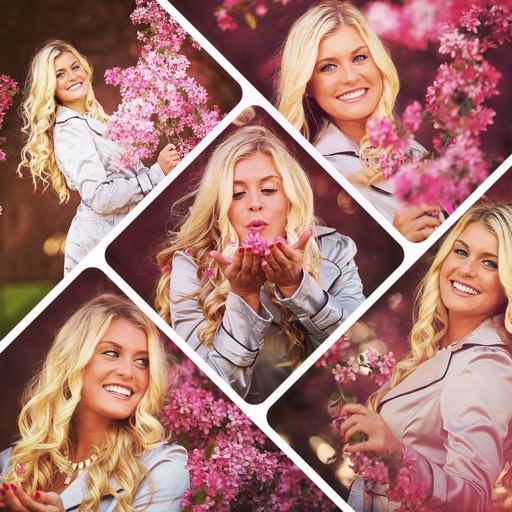
Create collages with customizable grids and multiple layout options. Add photos by selecting from camera or gallery. Adjust images using zoom and touch gestures. Change background colors or themes. Save or share collages through social media apps.
Create collages in custom sizes. Choose from 300 layouts. Place images manually or automatically. Export for video, social media, or printing. Set dimensions for specific paper sizes. Share or save collages directly.
Edit photos and videos with filters, cropping, and background erasing. Create collages by combining multiple images and videos. Add text, stickers, drawings, and textures. Save edited content and plan social media posts.
Create collages by arranging photos and adding editing elements like frames, stickers, and text. Adjust colors and brightness. Export collages in various formats and share via social media or messaging.
Create social media content by selecting from hundreds of . Import images or videos to customize designs. Add text, graphics, and effects to enhance visuals. Export and share content directly to social platforms.
Edit photos by adding custom and text. Choose from themed layouts and seasonal designs. Share edited images directly with friends and family. Apply decorative elements to enhance photos for any occasion.
The app creates unlimited collages with a single tap using a SmartSorting algorithm. Users can import photos, select modes, and apply various styles, text, backgrounds, filters, and stickers.
Create collages by combining multiple photos using various frame patterns and grid layouts. Apply over 1100 design styles to individual images or collages. Share finished creations directly from the .
Edit photos and videos with AI-generated anime styles, including facial enhancements and background effects. Apply filters, adjust colors, and add animated elements. Export edited content in various formats and share directly.
Create collages by selecting multiple images and arranging them in different grid layouts. Add frames from a collection of 100+ designs to enhance images. Build personal stories by organizing photos and sharing them directly.
Edit photos and videos with AI-powered tools, apply filters and overlays, and create dynamic videos from images. Share edited content via email or social media platforms like Instagram and Facebook.
Photos by flipping horizontally or vertically. Create reflections and repeating patterns. Apply effects and frames. Design collages with multiple layouts. Export and share edited images.