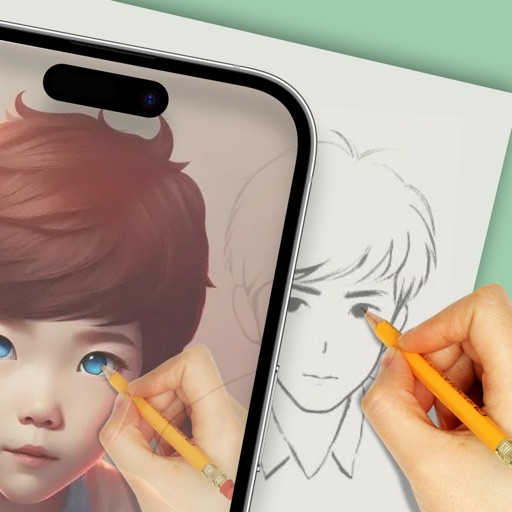
Use augmented reality to draw on any surface. Create sketches with AI-assisted tools. Select and customize NFT images from your phone gallery. Export drawings in various formats. Share artwork directly from the .
Remove backgrounds from images using automatic or manual tools. Edit photos with removal, erasing, and recovery brushes. Save and share edited images directly.
The app offers live-calculated brushes and strokes that interact with a generated canvas texture. Users can adjust parameters like color and size while painting, and stroke size changes based on fingertip contact with the screen.
Edit photos and videos with advanced filters, color correction, and layer blending. Add text, stickers, and effects. Export in various formats and share directly. Sync with cloud storage and access templates for editing.
Edit room layouts with AI-powered design suggestions
Transform rooms using AI-powered style transformations. Upload photos to apply Scandinavian, Minimalist Dark, or Industrial designs. Customize elements like color schemes and furniture layouts.
Create pixel art sprites with drawing tools and a powerful engine. Open and edit pixel art files from Files. Use iCloud Drive for cloud storage. Support Apple for precise input. Import and customize color palettes.
Learn to draw cartoon characters starting with simple shapes like circles and rectangles. Follow step-by-step guides to color line drawings using various brushes. Access templates for food, fairytale characters, and more.
The app provides tools for realistic oil painting and unique effects like Worm Pen. It features live-calculated brushes and strokes that interact with a generated canvas texture.
Access AI-generated images using advanced models. Upload prompts to create artwork. Manage credits for image generation. Subscribe for additional credits and features. Collaborate with other users in a hosting community.