Monitor live video feeds from cameras connected via USB or HDMI capture cards. Adjust settings like focus, exposure, and white balance. Switch between input sources and view multiple camera angles. Record and save footage directly from the .
by omer faruk gunes★ 0.00 ratingsPhoto & Video$8.99Data updated 2026-09-06
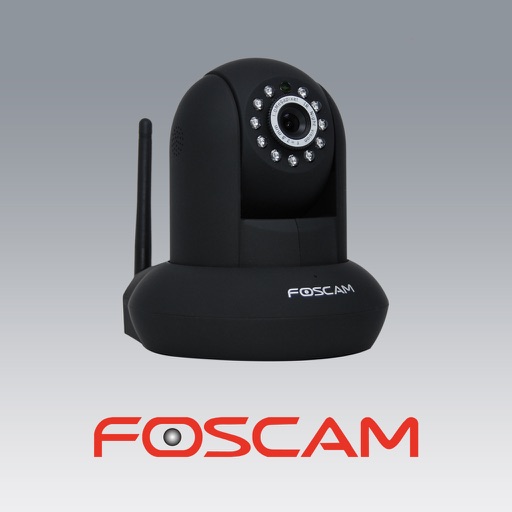
The app allows users to view and control Foscam IP cameras from an iPhone or iPad. Users can watch their home, kids, and pets remotely with a 3G or WiFi connection.
The app creates a wireless remote camera system using peer-to-peer technology. It allows one device to act as a camera and another as a remote control with a live monitor, supporting group photos, selfies, and hands-free photography.
Record video using front and rear cameras at the same time. View content in picture-in-picture mode. Animate scenes in real-time. Capture moving circles around the subject. Share videos directly from the .
Record video from multiple cameras simultaneously. Switch between camera angles during recording. Capture selfies and scenery in one shot. Share videos directly to social platforms like Instagram and TikTok. Supports iPhone XR and newer models.
The app allows users to remotely monitor and configure their Teradek VidiU encoder over WiFi. It enables users to broadcast live high definition video directly to the Web without a PC.
Record driving events with full HD front and rear cameras. Connect smartphone via Wi-Fi to view and manage footage. Share recordings directly from the .
View live feeds from compatible cameras. Set up cameras quickly. Stream securely anytime. Access footage remotely. Manage camera settings and notifications. Share footage with others.
Record videos using and cameras simultaneously with dual output, picture-in-picture, side-by-side, split screen, or diagonal layouts. Swap cameras during recording and adjust picture-in-picture settings.
Program trail cameras with scheduling and settings. View, save, and delete photos and videos. Request media remotely via cellular connection. Check camera location and field of view with live stream for Wi-Fi models.
Provides a real-time preview of the camera and lens setup. Simulates field of view for digital cameras. Helps with preproduction planning for filmmakers. Displays ad banners that can be disabled.
The app allows importing photos and videos from a Mac or PC using iTunes File Sharing. Files are transferred to the iPhone's Camera Roll at full resolution, supporting RAW+JPEG and Live Photos.