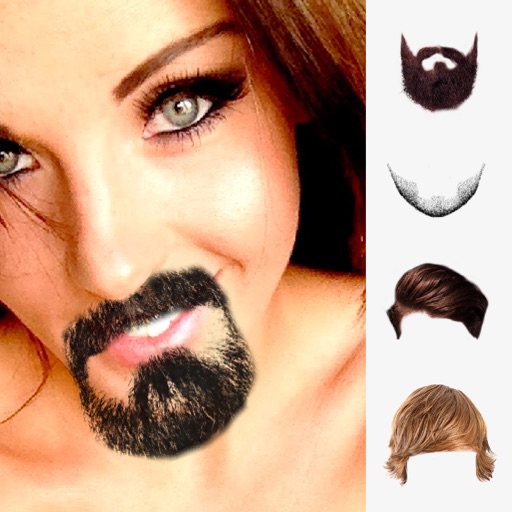
Create a by entering your name, selecting a font and color, and printing the design. Fold the sheet along provided lines to complete the . Additional font options require an in- purchase.
Customize message bubbles with colors, gradients, and animations. Edit or delete messages after sending. Share custom styles within iMessage conversations.
Send messages instantly with direct messaging. Manage WhatsApp accounts across devices. Schedule messages in advance. Customize text with fonts and colors. View conversation history and media files. Share links and location. Add stickers and emojis.
Edit photos by selecting from the gallery or using the camera. Add and adjust their position, size, and rotation. Crop images by dragging or scaling with two fingers. Share the edited photo directly.
Edit photos with Eid frames and text. Adjust brightness, contrast, and saturation. Rotate and zoom images. Add text with multiple font styles. Share edited photos directly.
Create by adding Emojis to images or selecting from celebrity and cartoon options. Animate Emojis on photos and save as or images. Share creations directly social media or messaging apps.
Add to photos with customizable fonts and styles. Choose from 250+ fonts and 200+ templates. Include layers for , images, shapes, and stickers. Access a variety of stickers, icons, and quotes. Apply single color or gradient color palettes.
Add or images to with swipe gestures to position elements. Adjust size and rotation using pinch gestures. Customize style with double borders, color, and thickness. Share edited images directly.