Create collages by selecting layouts, adding photos, and personalizing with frames or templates. Arrange images in grids, freestyle, or pre-designed templates. Share directly to social media or messaging apps.
by Arin Agarwal★ 4.7224 ratingsPhoto & VideoFreeData updated 2026-09-06
Edit videos with precision tools to trim, split, and merge clips frame-by-frame. Resize and crop videos, including maintaining original proportions. Enhance photos and design collages within the same .
Create collages by arranging and combining photos. Add text, stickers, and borders. Adjust colors and brightness. Save and share collages directly. Import images from gallery or camera. Apply filters and effects.
Create collages using pre-designed templates or custom layouts. Arrange tiles in various grid and pattern styles. Import photos from the device or cloud. Share collages via email or social media.
Create collages with and fairy tale . Add stickers, text, and notes to personalize photos. Edit images with filters and adjustments. Save and share decorated photos directly.
Edit photos with holiday and add messages. Frame images with Christmas and New decorations. Share edited photos directly. Create collages and albums with customizable designs.
Create immersive videos with AI-driven special and editing tools. Add transitions, animations, and text overlays. Import footage from iPhone or professional cameras. Export in various formats for social media and other platforms.
The app allows users to create photo collages and interactive slideshows. Users can import pictures and arrange them using multi-touch gestures on a virtual table.
Create animated stories with customizable , colors, and sizes. Add in multiple languages and apply animations. Include a variety of stickers and share finished stories directly.
Create collages by arranging and editing images. Crop and resize photos, add text, and adjust layouts. Make 3D rotating videos, set backgrounds, add text, edit audio, and reuse clips. Share finished projects directly.
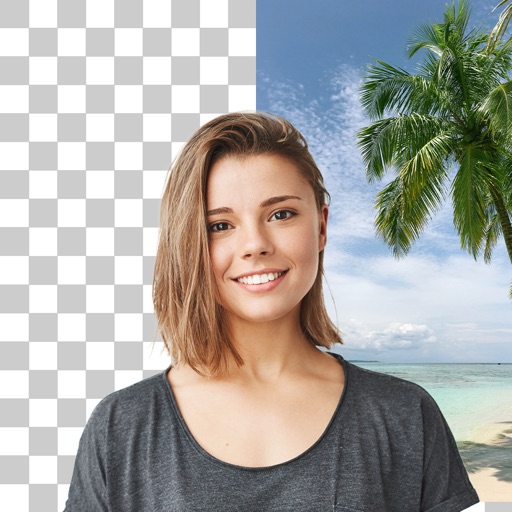
Edit photos with cropping, filters, and adjustments. Remove unwanted objects or people using the Magic tool. Replace backgrounds to create montages. Create collages with pre-designed templates. Export edited photos in multiple formats.
Create slideshow videos by selecting templates, adding photos or videos, and applying transitions, animations, and effects. Customize with stickers, fonts, and music. Share directly to social media platforms or save to camera roll.