Create collages by selecting layouts, adding photos, and personalizing with frames or templates. Arrange images in grids, freestyle, or pre-designed templates. Share directly to social media or messaging apps.
by Arin Agarwal★ 4.7224 ratingsPhoto & VideoFreeData updated 2026-09-06
Remove backgrounds from photos using automatic eraser with machine learning. Identify and isolate people, animals, vehicles, and objects. Erase single-color backgrounds for chroma key effects. Manually adjust erased areas for precision.
Set and lock screen images from a large collection. Access iMessage stickers and messages. Download new content regularly. Customize themes and apply them to devices. Share with others.
The app allows users to create picture collages with various styles like Picture Pile, Picture Grid, and Mosaic. Users can add text, exchange pictures by dragging, and pan or zoom individual images within frames.
Convert videos into interactive Photos for the lock screen. Combine clips from multiple videos to create custom animations. Apply filters and effects to enhance visual appeal. Save and share Photos directly from the .
Edit Instagram stories with film-style templates featuring dust, scratches, and light leaks. Create super 8 film overlays for vintage looks. Add paper textures for atmospheric effects. Apply categorized templates to single photos or collages.
Take selfies with a live beauty and apply custom filters. Create collages in 18 styles with masks and frames. Add spiral or neon effects to photos. Enhance and save library images. Capture selfies with a timer.
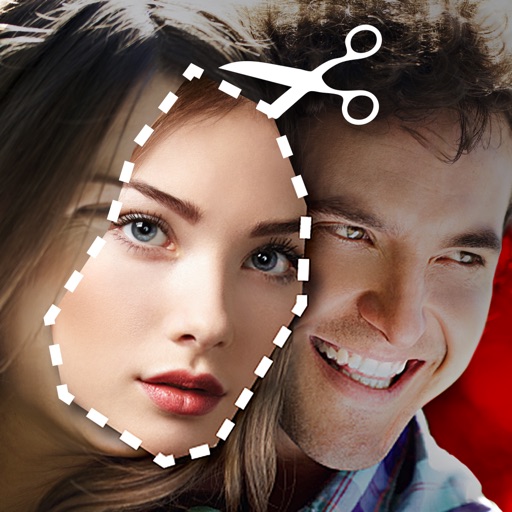
Cut photos with AI to remove backgrounds and isolate subjects. them onto new backgrounds or other images. Swap faces between photos and add missing people to family shots. Create collages by combining multiple images.
Capture photos using a 1-bit camera with only black and white pixels. Choose from three pixel resolutions and an 8-color mode. Features chunky buttons, mechanical sounds, and clean PNG output for printing or further use.
The app allows users to edit photographs by adjusting brightness, tint, and balance. Users can apply filters such as Sepia, Colorize, Wave, Watercolor, and Color Reduction to create collages and greeting cards.
Trim clips, adjust transitions, add effects, create
Create custom videos by trimming clips, adjusting transitions, adding effects, and editing audio. Share videos directly to social media or messaging apps. Export in high quality for offline viewing.
Create artistic videos with mirror styles and filters. Add picture-in-picture collages using templates. Edit photos and videos with advanced tools. Access weekly updates with a subscription.
Edit photos using aesthetic filters and popular effects. Apply stylish templates and create rich collages. Enhance images with easy-to-use tools and share directly to social media.
Edit photos with AI-powered lighting correction, exposure adjustment, and shadow detail enhancement. Retouch faces and bodies, experiment with makeup and hairstyles, and create collages or videos. Share edited content directly.
Create collages, posters, and cards using templates. Add and arrange photos, apply different styles, and adjust details. Share finished designs directly or export in multiple formats.