Create charts and dashboards using drag-and-drop tools. Choose from bar, line, pie, and scatter plots. Customize colors, labels, and axes. Export as images or PDFs. Track goals with interactive dashboards.
Set with curated images of animals, patterns, and cozy designs. Customize home screens with multiple options. Download and set directly from the . Organize and browse categories for easy selection.
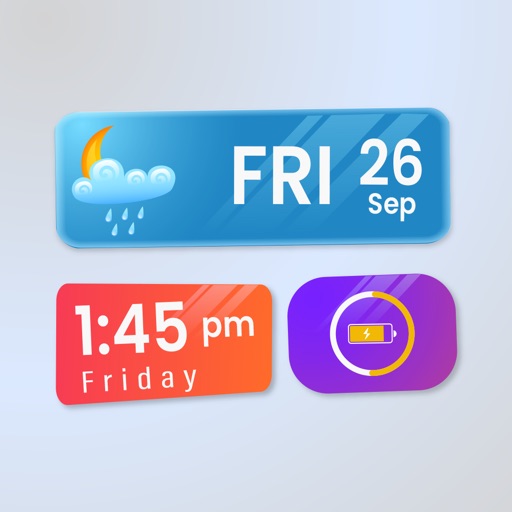
Widget King allows users to add dynamic to their home screen. Choose from sporty, racing car, cliff, bridge view, and aesthetic . come in three sizes. Users can customize and arrange on their iOS 14 home screen.
Customize lock and home screens with stunning wallpapers, widgets, and dynamic charging animations. Choose from various themes and animations. Set personalized charging effects. Apply designs to both lock and home screens.
Browse and download Arabic and featuring intricate geometric patterns, calligraphy, and cultural motifs. Choose from 4K and HD options. Customize device backgrounds with high-quality designs. Share favorite with others.
Browse high-quality and backgrounds. Select and set custom for devices. Access dynamic animations and interactive designs. Organize and manage downloaded content. Share favorite with others.
Set lock and home screen wallpapers with a single tap. Choose from weekly new and exclusive designs. Apply wallpapers quickly without manual adjustments.
Allows users to set high-quality -themed wallpapers on their home screen or lock screen. Features include full-screen backgrounds, a simple and clean interface, and no in- purchases. Users can apply wallpapers quickly and download them for free.
Create dynamic effects around the screen with rounded corners. Choose from Heart, Dot, and other customizable patterns. Adjust colors, width, and brightness for personalized settings. Works with notch-compatible devices.