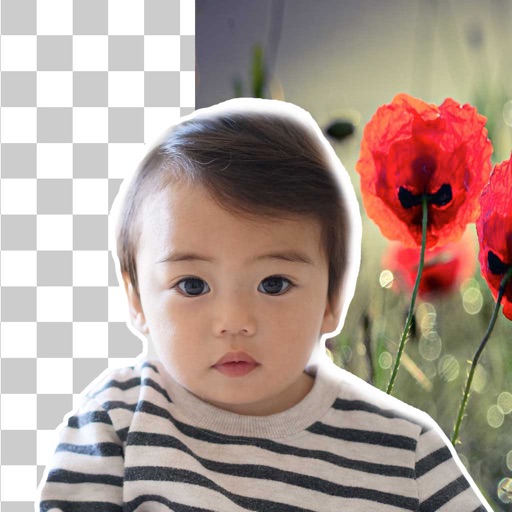
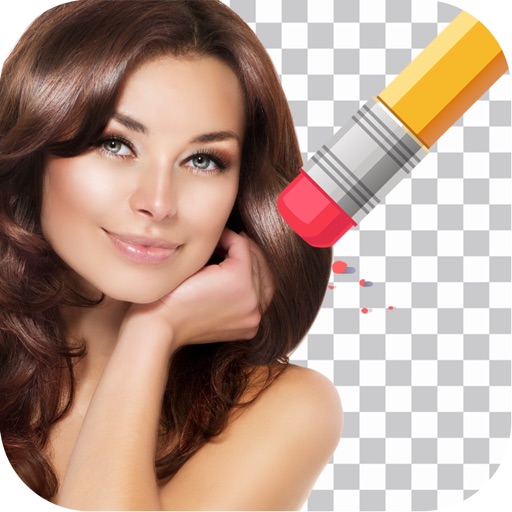
Remove backgrounds from photos using brush tools with adjustable size and hardness. Erase selected areas with undo and redo options. Add text with customizable font and formatting. Place edited photos on various templates.
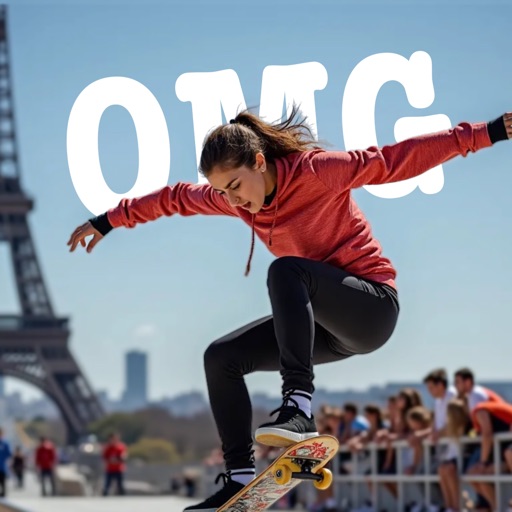
AI-powered placement allows users to embed objects in photos. Customize fonts, sizes, and colors. Adjust position and depth for professional-looking depth effects. Export edited images directly.
Edit images to remove or replace backgrounds using magic , auto cutout, and precision tools. Isolate objects, add new backdrops, and adjust shadows. Export edited photos for social media and online platforms.
Convert text into visual artwork using AI-generated images. Edit and refine designs with customizable styles and color palettes. Export creations in various formats and share directly.
Unwanted objects, , or text from photos using AI. Select areas to and fill in naturally. Preserve details and textures for clean, polished images. Share or sell edited photos directly.
Remove backgrounds or objects using AI by adding a and tapping "remove." Adjust the new background to a custom color, white, another image, a gradient, or a preset. Add text, shapes, and photos to the edited image.
Remove backgrounds from photos by tapping areas to erase. Automatically or manually adjust transparency. Save edited images in HD quality. Export and share edited photos directly.
Arthur Eduardo Skaetta Alvarez Desenvolvimento de Software LTDA.
Edit photos, remove backgrounds, export PNGs
Edit images by erasing backgrounds with finger dragging or AI-powered auto detection. Maintain transparency or add custom backgrounds. Export high quality PNG files for transparent or composed backgrounds.
Photos with AI-powered retouching and enhancement tools. Remove or replace backgrounds with one tap. Swap or objects effortlessly. Generate new visuals using AI. Share edited images directly to social media platforms.