Apps Like SmileFix – Face Expression for iPhone and iPad
Edit photos with AI to enhance smiles
Edit portraits with AI to add a soft smile, brighten eyes, reduce dark circles, and smooth skin. Select faces or apply edits to the entire image. Share edited photos directly.
by MUHAMMED Emin DAGDELEN★ 4.810 ratingsPhoto & VideoFreeData updated 2026-09-06
Apply filters and styles to photos to change appearance across different decades. Add faces to historical images. Share edited photos with friends. Access over 90 styles and 3000 5-star reviews. Edit and export images directly.
Edit photos using presets, crop, straighten, adjust exposure, saturation, brightness, contrast, and shadows. Apply textures to enhance images. Save and share edited photos directly.
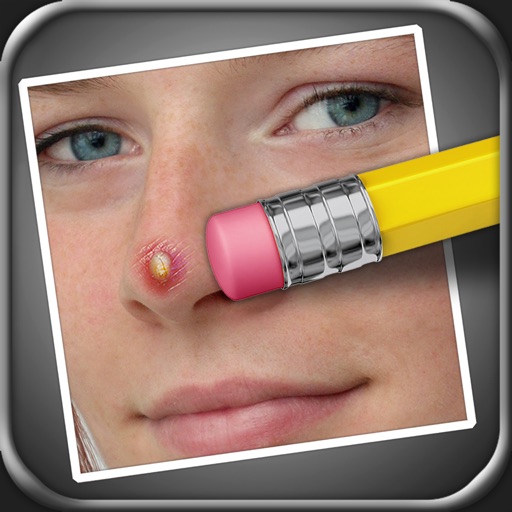
The app allows users to remove blemishes like pimples, moles, and scars from photos. Users can select areas to edit, and the app processes the image to create a natural appearance.
Edit photos with AI-powered background removal, colorization, and enhancement. Adjust brightness, contrast, and saturation. Crop, resize, and apply filters. Export in various formats and share directly.
Edit photos with -swapping technology for realistic results. Apply creative templates for themed appearances. Convert images into 3D or toy-style renderings. Save edits in high definition and share directly.
Edit videos with AI filters to create comic, toon, or morphed effects. Change facial geometry with sliders. Apply one-tap filters for photorealistic edits. Share directly to TikTok or Instagram Stories.
Old photos by removing scratches, tears, and dust. Colorize black-and-white images instantly. Sharpen faded details and unblur faces. Upscale low-quality photos up to 4x. damaged areas without requiring technical skills.
The app detects faces in photos and automatically removes red eyes. Users can manually adjust or add faces, fix pet photos, and save or share edited images.