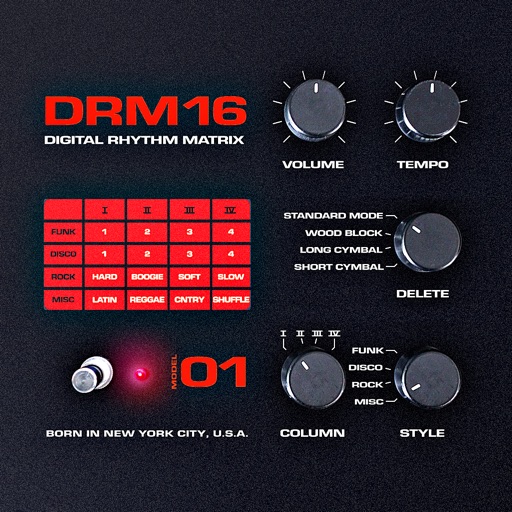
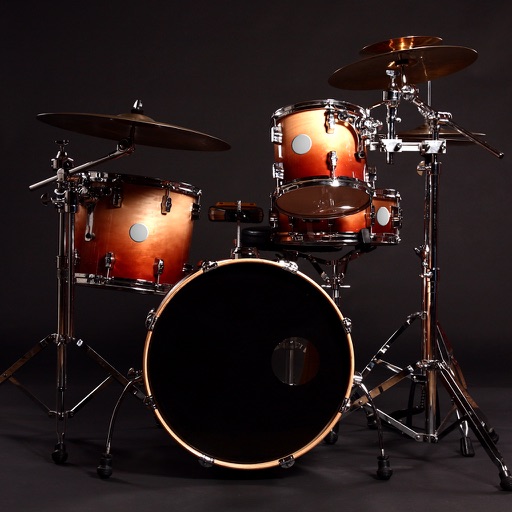
Create beats using a drum pad interface with customizable sound packs. Record up to 32 sequences to build full songs. Edit and arrange patterns with visual feedback. Export tracks in multiple audio formats.
Learn to play keyboard, drums, and pads with interactive lessons, exercises, and songs. Track progress with scoring and levels. Access 2000+ courses and practice regularly to improve skills.
And arrange , bass, and drum parts in compositions. View and edit tablature for and drum parts. Use MIDI and Inter- Audio instruments for background sounds. Build harmonies and visualize note relationships.
Create and customize beats with a wide range of preloaded sounds and effects. Build loops and sequences intuitively. Export tracks in various audio formats. Share creations directly to social media or music platforms.
Create and share music with notation tools and templates. Practice rhythms with metronome and playback features. Collaborate with others through community forums and sharing. Sync progress across devices and access a library of user-generated scores.
Create and customize beats with multiple modes from 1/2 to 10/16. Choose from various sound effects including vocal, drum, and wooden fish. Adjust tempo and volume. Save and share beat patterns. Sync with devices for playback.
Create beats using pre-chopped urban drum samples. Adjust swing and timing. Apply effects and filters. Export audio files. Customize drum kits. Import and edit breakbeats. Adjust tempo and velocity. Save and share projects.
Create and mix music beats using loops, drum patterns, and samples. Record original melodies and mixtapes. Play on virtual pads with tap-to-trigger functionality. Export and share tracks directly.
Create evolving melodies and patterns using polyrhythms. nd control up to 8 sounds simultaneously. Store 16 project configurations. Use a sampler with envelopes, filters, loop crossfading, LFO, and more.
Create beats by tapping, dragging, or swiping to trigger sounds. Choose from various instruments and effects. Learn basics through guided lessons or freestyle create. Experiment with different styles and sound combinations.
Create and manipulate audio loops with customizable settings. Sample and sequence MIDI data. Host plugins and build custom effect chains. Sync with external devices and control performance parameters in real time.
Play drums using taps for realistic sound and responsive touch. Choose from 4 drum kits including classic, electronic, rock, and vintage. Create original beats or follow along with favorite songs. Sync with audio for rhythm practice.
Import audio files and extract samples using automatic transient detection or manual markers. Play slices with MIDI controllers or built-in pads. Adjust parameters like reverse, level, attack, and release. Sync with AU hosts for automation.
Create and produce music with virtual instruments, effects, and sequencing tools. Arrange tracks, record audio, and export files. Sync with other apps and devices. Share projects and access tutorials.