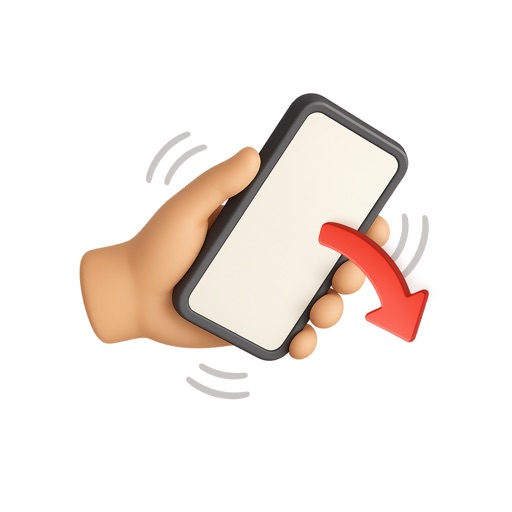
That starts automatically when the phone is face-down. Users set time, flip device to begin session, and must keep it face-down to maintain . Sessions turn green upon completion, red if interrupted. Tracks progress with a session history calendar.
by Yagız UGURVEREN★ 0.00 ratingsProductivityFreeData updated 2026-09-06
Track focus sessions with a timer or manual entry. Set daily, monthly, or yearly goals for tasks. Receive countdown notifications for each session. Organize tasks into groups. Archive completed tasks for reference.
The app provides a flexible interval timer and chime functionality. It allows users to set up repeating chimes at any interval and run multiple chimes simultaneously, keeping the screen active and sounding chimes on schedule.
Track time spent on tasks and set goals. Complete tasks to grow crops and expand your farm. Receive in- rewards and progress through levels. Sync achievements across devices and view weekly productivity reports.
Use a with the Pomodoro Technique: 25 minutes of work followed by a 5-minute break. Record your work sessions with a visible and watch a satisfying animation of your progress.
Create and manage tasks with folders for organized work. Start a focus timer with one tap for Pomodoro sessions. View progress with a subtle ring. Filter tasks by today and importance. Set optional reminders for task completion.
Set customizable timers for work and breaks. Track progress with detailed stats. Use an elegant, distraction-free interface. Ideal for managing during study or work sessions.
The app supports all WCA puzzles across multiple and custom sessions. It includes random state scramblers, blindfold scrambles, and a drop-to-stop feature.
Helps users manage time with sessions, customizable focus and break timers. Track productivity through charts and analytics. Receive alarms and notifications for session ends and breaks.