Explore radiographic with detailed projections and accurate imaging. Navigate through anatomical structures, compare views, and access cross-sectional references. Sync with devices across Mac, iPhone, and iPad using a single subscription.
Explore 3D human anatomy models with interactive touch controls. Rotate and zoom for detailed views. Perform virtual dissections to reveal muscle layers and anatomical structures. Take 3D location quizzes to test knowledge.
Interactive 3D anatomy models allow users to rotate and view muscle groups and bones. Track workout progress with exercise logs and performance metrics. Access detailed exercise guides with form feedback and biomechanical explanations.
Learn to with step-by-step tutorials covering gesture, anatomy, facial expressions, and techniques. Practice with different tools and styles. Track progress and revisit lessons for improvement.
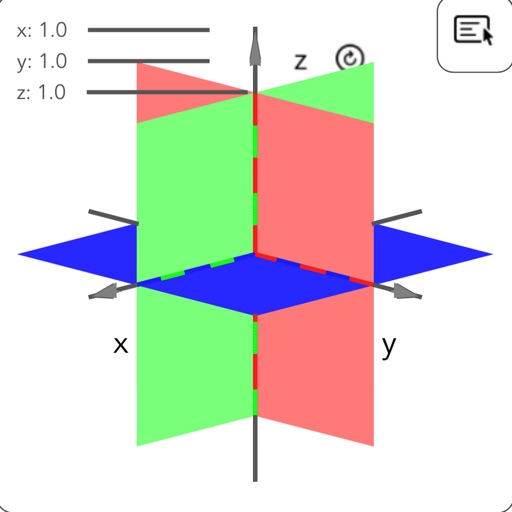
Solve equations and graph functions with advanced math support. Perform calculus operations and matrix calculations. Access detailed tutorials and a comprehensive user manual. Export results and share calculations.
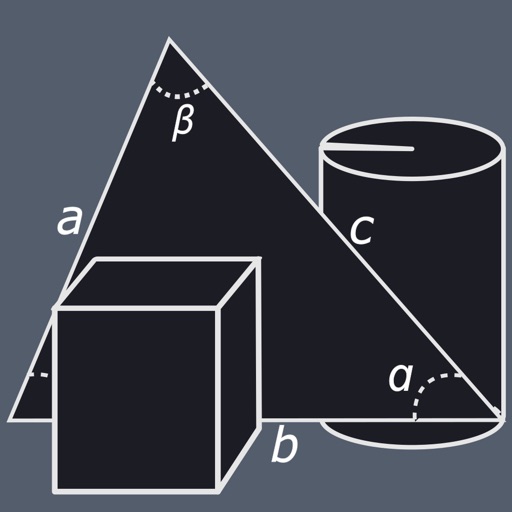
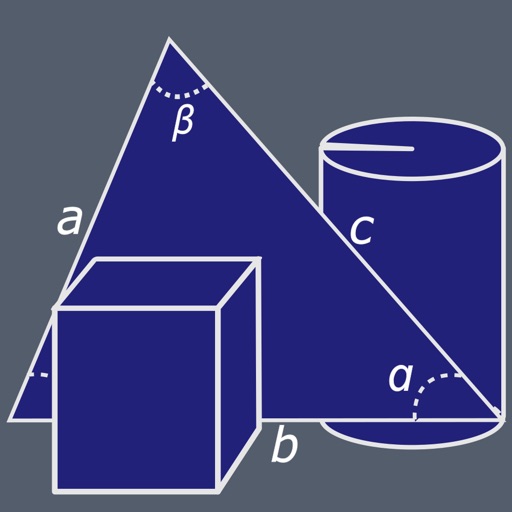
Calculate lengths, angles, and area of shapes. Select a shape from a list. Input values into text boxes linked to orange points. Adjust point positions using the NEXT button or tapping points.
Control main joints for precise adjustments. View multiple angles of different poses. Inspect yoga or exercise positions from various perspectives. Use as a drawing model for animation, illustration, or sketching.
Sheet Metal allows users to generate patterns for cones and other complex shapes. Input dimensions and material properties to calculate angles and layout dimensions. Export results for fabrication use.
Explore detailed 3D skeletal and muscular system models. Rotate, zoom, and dissect layers to view internal structures. Access a drawing gallery with anatomical references. Purchase additional muscular system content.
Explore 3D models of the skeletal system and other anatomical structures. Rotate, zoom, and view detailed textures up to 4K resolution. Access free content with in- purchases unlocking additional materials.
Play with one or multiple friends in a competitive guessing game. Draw cards by tilting your phone and guess words based on clues. Choose from activities like dancing, acting, or sketching. Track scores and compete in real-time.
Create interactive prototypes from sketches and wireframes. Tap to simulate navigation and user interactions. Share prototypes with others for feedback. for iPhone, iPad, and Apple Watch.
View 3D rotational models of human . Watch muscle action movies. Access 1247 Gray's images. Highlight muscles with a tool. Display Latin names and full descriptions. Available in English, French, Spanish, and German.