
Apps Like Range Clips for iPhone and iPad
Ranked alternatives
Showing 41–60 of 1,000 ranked alternatives.

Hyperlapse Cam + Go Viral Tips
Vladislava Konovalova
Record timelapse videos instantly
Create timelapse and videos without editing. Adjust speed with AI-powered tools. Export in 4K. Share directly to social media. Add speed effects for content. Track progress and for content creation.


Replayology
Replayology Corporation
Review footage and create highlight reels
Review and mark significant plays in game footage. Create personalized video playlists for analysis and sharing. Customize clips with annotations. Download professional-grade highlights for distribution.

Pixabay
Canva Germany GmbH
Find free photos, videos, and vectors
Search for free photos, cliparts, and video clips with a fast interface. Swipe through results and view images with zoom and pan. Download content for commercial use without attribution.

Screen Recorder Z - Livestream
EVOLLY.APP PTE. LTD
Record and stream live with camera
Record content with one tap, including apps, games, and tutorials. Live stream to YouTube, Facebook, and Twitch with phone and camera. Add face-cam reactions and audio commentary. Trim, crop, and merge video clips.
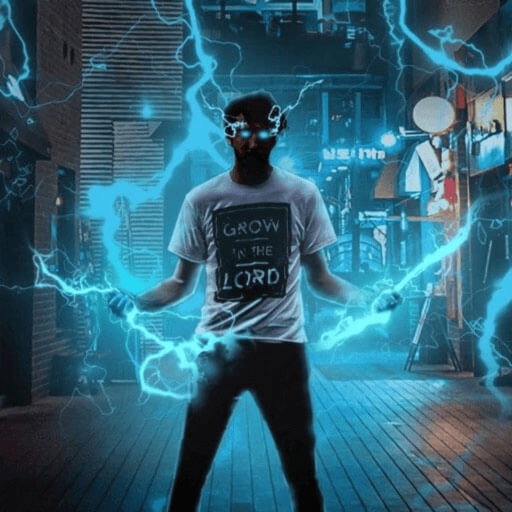
Shot Fx - After Effects Video
鼎 王
Record and edit videos
Record and edit videos with visual and templates. Add elements like dragons, magic circles, and space scenes. Include such as fire, laser, and lightning. Export and share edited videos directly.

Moment Pro Camera II
Moment Inc.
Shoot photos and videos manually
Record video and photos with full manual controls for exposure, focus, and white balance. Adjust creative looks and apply filters. Switch between stills and video modes. Export files in high-quality formats and share directly.


True VHS - 90s Vintage camera
Artem Chirgadze
Edit videos and photos with VHS filters
Edit videos and photos with VHS effects, including color compression and signal noise emulation. Apply various filters for different styles. Export edited content in multiple formats and share directly.


VDO Video Maker by PicCollage
Cardinal Blue Software, Inc
Edit videos with AI smart cuts
Edit videos with Smart Cuts to highlight key moments. Adjust length with Auto Length. Apply Original Themes with layout, music, and filters. Use Creative Layouts to design eye-catching grids. Export videos in multiple formats.



Boomerang - Video Loop Maker
Appside Technologies LTD
Create loops from videos and photos
Create short looping videos from live recordings or existing videos and photos. Adjust speed, add text, and apply filters. Share directly to Instagram, TikTok, Facebook, and other platforms.


VILO: Video Editor Reel Maker
MK APPS PRIVATE LIMITED
Edit videos, add effects, share clips
Edit videos with trimming, splitting, and merging tools. Add transitions, text, and music. Adjust brightness, contrast, and speed. Export in various formats and share directly.
How we rank alternatives
Apps are ranked by functional similarity, category fit, rating confidence, and popularity.