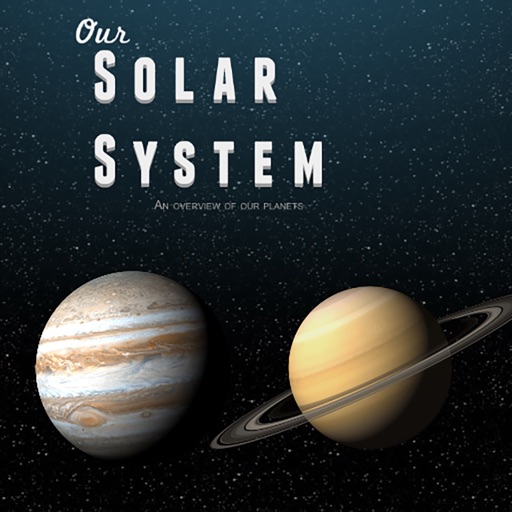
Create and simulate custom galaxies with realistic physics. Place and customize planets, stars, and other celestial bodies. Adjust orbital paths and gravitational forces. Explore 3D space and test planetary interactions.
Draw with a pen or apply colorful stamps. Tap to change background colors between white and black. Save drawings, erase, or retry. Play sounds when using stamps or drawing lines.
Simulate space approach and landing with realistic flight physics. Navigate orbits, interact with tutorials, and choose White Sands as a landing site. View detailed cockpit instruments and adjust flight parameters for accurate simulation.
On two backgrounds with adjustable line sizes. Continue drawing on previous sketches. Include calming music. No internet required. No data collection. Use colorful or shiny pens for creative expression.
Play a full 88-key with touch-based keyboard. Adjust key size for different hand sizes. Switch between 128 instrument sounds including , electric , and harpsic.
Play games with adjustable difficulty levels and compete against global players. Challenge computer opponents at various skill levels. Analyze post- results to enhance vocabulary. Chat with others in free-to-play mode.
Navigate through a minimalist interstellar universe using gravity and wormholes to guide your probe between planets. Avoid obstacles and stars while exploring .
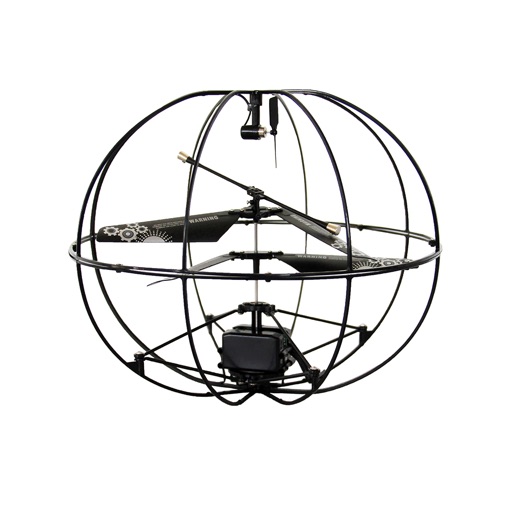
The app connects to a NeuroSky MindWave EEG to read brainwaves. Target levels of focused concentration or mental relaxation are set, and the helicopter takes off when targets are reached.
Solve grid puzzles by flipping squares and their adjacent cells. Change grid colors between black and white. Complete puzzles of sizes 3x3 to 8x8. Access a large collection of puzzles to play.
Help the chicken collect gems to learn shapes and colors. Complete word puzzles by adding missing letters to practice spelling. Navigate levels with obstacles to improve focus and problem-solving skills.
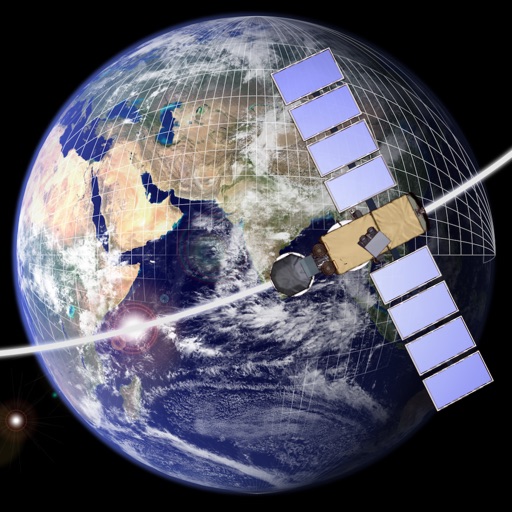
Design and explore satellite orbital geometry interactively.
The app lets users design and explore satellite orbital geometry using an iPad's multi-touch interface. Users can manipulate orbits with gestures, see real-time effects on orbits and ground tracks, and animate results.
Uncover mine-free squares on a grid. Mark mines with long tap or swipe. Play against time to clear the board. Adjust difficulty levels for varying challenges. Track progress and achievements. Share scores with friends.
The app provides a drawing experience with colorful stamps and rainbow lines that trigger sounds. Users can save their creations, clear the canvas with trash and eraser buttons, and choose between white and black backgrounds.
Set tempo and meter for practice or performance. Choose from four sound options or use silent mode. Display tempo terms and adjust BPM by tapping. Track timekeeping with precise timing.
Play minigames to survive challenges and collect coins for upgrades. Rescue Beans and explore new areas. Compete with friends to see who lasts the longest. Unlock prizes and new content through progression.