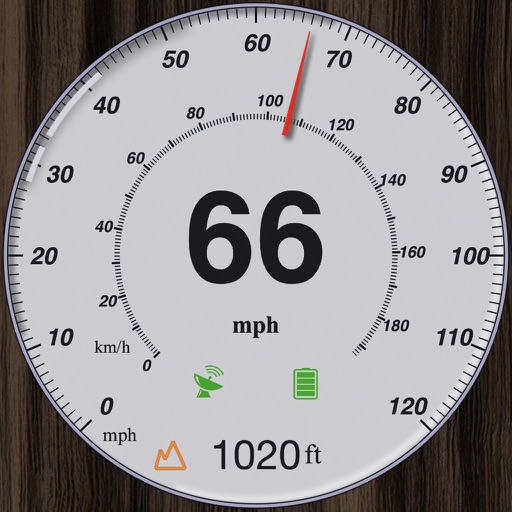
Monitor trip data with live metrics like average speed, current speed, top speed, distance, direction, travel time, stationary time, and clock. Customize display style and speed units. Arrange metrics on screen.
The app displays travel speed using the device's GPS. It offers a HUD mode to project speed onto a car's windscreen, ideal for nighttime use with maximum brightness.
Tracks current, maximum, and average speed using GPS. Displays speed in analog and digital formats with colorful LED. Records distance traveled and trip time. Functions as a trip meter and for vehicles, walking, running, biking, and boating.
GPS measures and displays speed for walking, jogging, cycling, cars, boats, trains, and airplanes. Users can select display units and choose between two scales. Trip recording and average speed tracking are available.
Track speed with accurate GPS measurements and view average and maximum speed per trip. Choose units and monitor distance traveled and estimated travel time. Use turn-by-turn navigation to build routes.
Track with high-precision GPS. Record trips and display real-time data on a head-up display. Receive speeding alerts. Navigate with integrated map support. distance, time, and elevation. Share trip data.
The app offers on-board route planning and navigation with turn-by-turn instructions and automatic rerouting. It displays traffic information, road works, accidents, and POIs along the route.
Provide driving and walking directions with turn-by-turn voice . Access real-time traffic updates. Use Apple CarPlay for hands-free . View up-to-date satellite imagery. Explore points of interest on the map.
Monitor speed with unit switching between KM/H, MPH, and KTS. View analog or digital speedometer displays. Track journeys with detailed logging and route mapping. Integrate music playback and receive real-time weather updates.