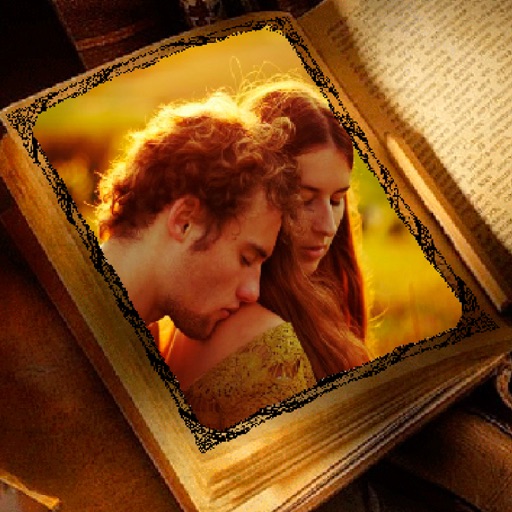
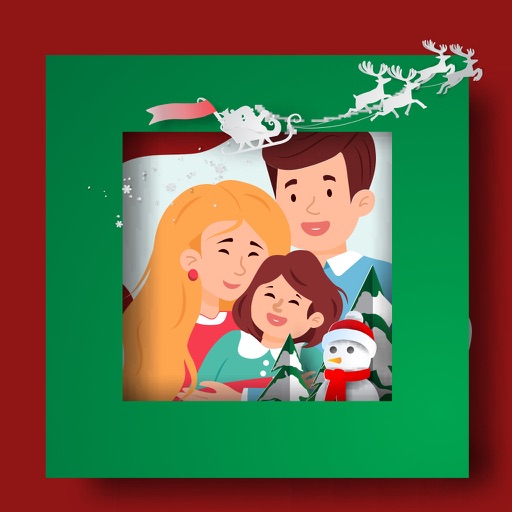
Create photos with customizable . Select from options. Add photos from gallery or capture new ones. Apply filters for enhanced appearance. Include stickers or emojis. Save and share edited images.
Edit photos with diamond frame effects and star-like enhancements. Add creative effects to enhance images. Save and share edited photos directly. Apply various frame styles to personalize pictures.
The app transforms user photos into videos using an AI that analyzes quality, faces, composition, and lighting. It offers over 40 transitions, a music library, and export options for various social platforms.
Create video slideshows by adding photos, custom music, filters, and transitions. Choose from templates for events like birthdays or family moments. Drag and drop photos for easy editing. Export in high quality and share directly.
Edit photos and videos with vintage and retro styles using curated presets. Apply filters to adjust color, contrast, and tone. Use templates for minimal, paper, film, or polaroid effects. Export edited content in various formats and share directly.
Frame photos, art, or memorabilia with personalized design options. Upload images directly or share links. Choose from various frame styles, colors, and mat options.
Add and manage email contacts for -Star Wi-Fi frames. Send photos, videos, and audio messages to saved frames from any device. Share content instantly with a single tap.
Create videos and share directly. Apply themes for birthdays, weddings, and celebrations. Add animated transitions and multiple songs. Edit filters, text, and customize effects. Export and share finished videos.
Apply filters and to photos. Select from pre-designed templates to create images or cards. Edit photos by adding text, stickers, and custom . Share edited photos directly.
Create custom designs with photos using templates, fonts, filters, frames, and hand-crafted stickers. Organize and save moments. Share edited photos directly.
Select photos from gallery or photo library. Choose from numerous PIP frames. Use single image for both foreground and background or different images for each. Edit foreground and background separately. Apply photo filters.