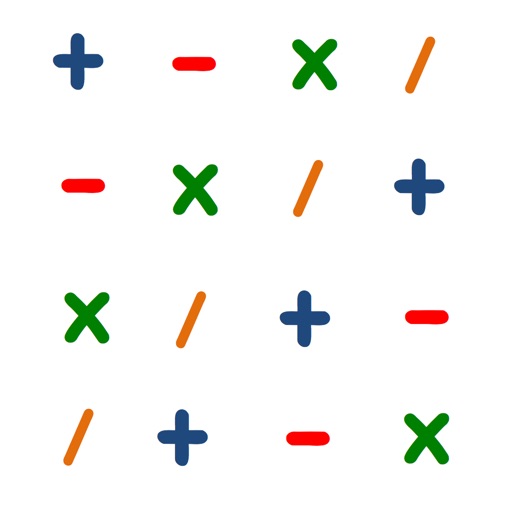
Build mathematical expressions by connecting numbers and operators on a 5×5 grid. Solve puzzles by creating valid equations that match target values. Receive real-time feedback as calculations are performed.
Learn basic operations through interactive gameplay. Practice addition and multiplication by throwing stones at correct answers. Switch modes and restart the game as needed. Track progress and adjust difficulty settings.
Create custom smoothies by selecting ingredients like fruits, vegetables, nuts, and ice . Add items to a blender, press start, and serve the mixture. View ingredient details and adjust quantities before blending.
Enable wireless presentation by sending slides and videos from iPad to Mac. Control slide transitions with on-screen buttons. Switch between full-screen and window mode using arrow buttons or ESC.
Practice mental calculation with six mini- including addition, subtraction, multiplication, division, sorting, and equation solving. Each game has four difficulty levels. Track progress and complete 40 problems in 50 seconds.