Play to draw and guess humorous images. Participants submit answers, and the group votes on the guess. Draw categories include funny and challenging prompts like "creepy tiger" or "two moms having a great day.
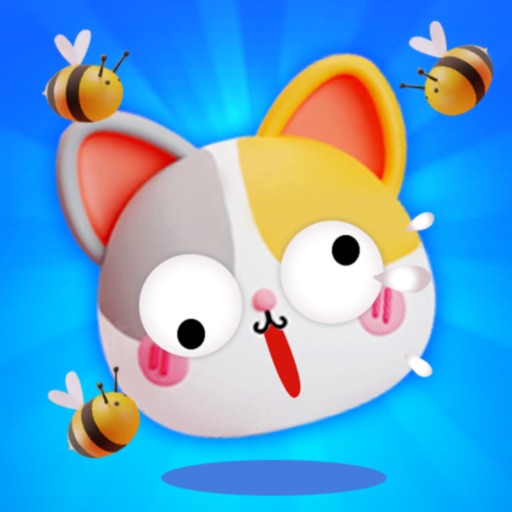
Create walls by drawing lines to protect a cat from bees. Adjust line thickness and color. Tap to remove walls. Complete levels by guiding the cat to safety. Track progress through multiple stages.
Solve puzzles by completing half-drawn images with a single line. Test problem-solving skills with increasing difficulty levels. Track progress and compete with others in leaderboards. Share completed puzzles on social media.
Draw circles with touch input and receive instant accuracy feedback. Compete with friends to achieve the highest score. Track progress over time and refine precision. Adjust speed and pressure sensitivity settings.
Draw and animate shapes, words, or objects with touch or drag gestures. Create dynamic, physics-based animations with varying strokes and speed. Save or share artwork. View sample art displays.
Allows users to fill in images with customizable colors. Drawing lets users create artwork using touch-based tools. Puzzle Image enables users to assemble pre-cut images. Word Fill helps learn animal names by completing missing letters.
Create and customize digital artwork with a wide range of colors and brushes. Choose from pre-designed pages or upload personal images for . Switch to dark mode to reduce screen strain. Save and share completed drawings.