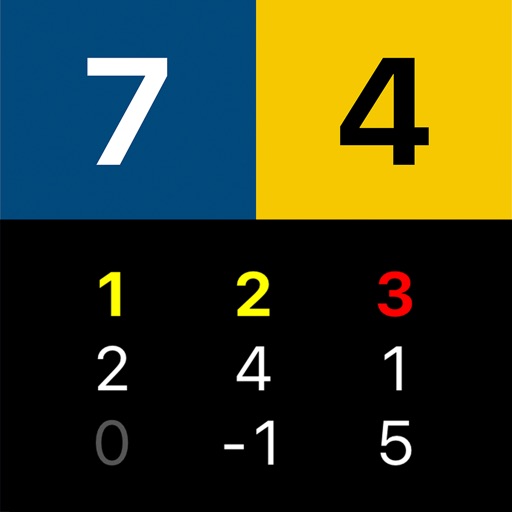
Allows users to create multiple counters with custom names, colors, and categories. Set required values for each . Perform increment or decrement actions. Access full-screen counting mode for focused use.
Track and count items, tasks, inventory, or scores with a simple interface. Add, remove, or reset numbers manually. Save and view data for multiple categories. Share or export counts as needed.
The app tracks points for any game, including cards, dice, and board games. It allows users to add or subtract points with an easy keypad and view game history.
Track game scores with a dedicated . Input and update scores for each player. View current standings and game progress. Save and recall previous game sessions. Share scores via email or social media.
Allows users to track game scores a large, easy-to-use interface. It supports multiple and game history for detailed point tracking. Users can switch to landscape mode for better visibility.