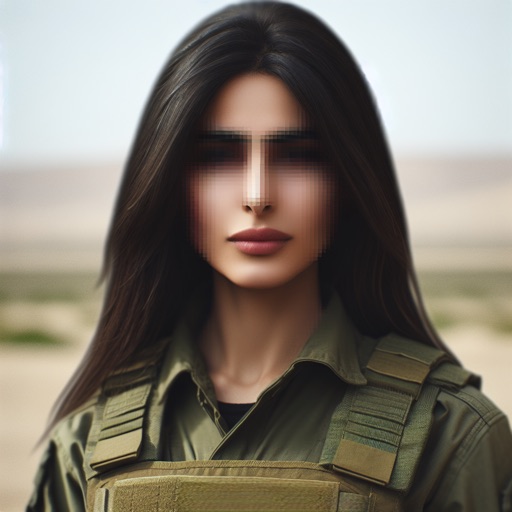
Edit photos by selecting from the album or capturing a new image. Choose between full or background blur modes. Adjust the blurred area manually with finger drag. Apply blur instantly for automatic results. Save and share the edited .
Edit photos using AI-powered tools for instant transformations. Remove objects from images automatically. Adjust colors, brightness, and contrast with advanced settings. Apply filters and effects for creative enhancements.
Photos lets users photo backgrounds with a few taps. Adjust strength and apply bokeh effects. Remove unwanted objects or faces. Enhance focus on subjects by isolating them from the .
AI allows users to enhance photos using AI technology. Adjust skin tone, remove blemishes, and generate new poses and backgrounds. Edit portraits and headshots with dynamic AI features. Export edited images in high quality.
Edit videos with keyframe effects, smooth transitions, and high-quality exports. Add motion graphics, visual effects, and animations. Share videos directly to social media. Track editing progress and adjust timelines for precise control.
Edit photos filters, effects, and adjustments. Apply brightness, contrast, saturation, sharpness, blur, and focus. Crop, resize, and rotate images. Add masks, text multiple colors and fonts, and . Share photos via Facebook, Twitter, or email.
Edit photos to improve clarity and sharpness using AI technology. Remove blurriness and enhance image quality. Adjust brightness, contrast, and color. Save and share edited photos directly.