Create professional preview images for apps. Add device mocks, images, text, and frames. Use drag-and-drop interface with real-time preview and alignment guides. Customize canvas size and device frame settings. Export as PNG or JPEG.
by 伟胜 林★ 0.00 ratingsGraphics & Design$2.99Data updated 2026-09-06
Create layouts using VStack, HStack, and ZStack. Add Text, Images, and Shapes to designs. Export projects to Xcode and Swift Playgrounds. Design on iPhone, iPad, Mac, and Apple Vision Pro. Use SF Symbols for icon browsing.
Create digital art with 105 tools including pens, pencils, and brushes. Import and edit photos. Add text and rotate elements. Customize brush settings. Use customizable canvases. Save and share artwork.
Create images using AI without internet or subscriptions. Use prompts to generate art locally on your device. Access advanced models like SDXL and FLUX.1 for detailed outputs. Adjust settings for precise control over image creation.
Create and customize tier lists with support for up to 2,000 tiles and 50 tiers per list. Add images via search, paste, drag-and-drop, camera, or photo gallery. Include multiple text labels on tiles. Export and share tier lists directly.
The app allows batch watermarking of images and photos. It supports text and image watermarks with numerous settings for personalization and live preview.
Scan documents, notes, photos, receipts, and books into PDF or JPEG files. Use OCR to convert images into text. Export scanned files and share them directly. Batch scan multiple items at once.
Create stickers using images from the internet, camera, or photo library. Edit with text, animations, and effects. Export in JPEG, PNG, or WEBP formats. Share stickers via WhatsApp, iMessage, Telegram, and other platforms.
The app provides tools for drawing, coloring, and editing pictures. Users can create simple pictures, add text, or modify existing images with various shapes and editing functions.
Annotate images with tools like arrow, rectangle, circle, text, and magnifier. Import photos from library, camera, or map. Export with custom sizes and share. Customize colors, undo changes, and manage layers. Crop images and save history sessions.
Create vector art using Bézier tools and Apple Pencil. Convert sketches or photos to SVG format. logos, icons, illustrations, and UI assets. Export vector files for production use. Refine curves and edit vector drawings directly.
Create social media content by selecting from hundreds of . Import images or videos to customize designs. Add text, graphics, and effects to enhance visuals. Export and share content directly to social platforms.
Create logos and brand identities with drag-and-drop tools and customizable templates. Choose colors, fonts, and graphics. Export designs in various formats and share directly. Compete with ideas and refine concepts quickly.
Create social media posts by selecting up to 8 videos or images. Apply filters, add text, stickers, and animations. Customize templates for Instagram and Stories. Share directly to social platforms.
The app offers on-device photo editing with AI features like background removal and auto-enhancement. It includes over 38 filters, stickers, text editing, and export options for HEIC, JPEG, or PNG formats.
Create artworks by filling images with shapes using compound paths, groups, or bitmaps. Apply various galvanization methods and settings. Import files in PDF, AI, EPS, and image formats. Export to PDF, PNG, JPEG, GIF, TIFF, and JPEG2000.
Edit videos with multi-track timelines and studio-quality audio. Add AI sound effects and crystal clear voice recordings. Apply Firefly-powered visual effects. Export without watermarks or ads. Share directly from the .
Create aesthetic Instagram carousels, collages, and Reels covers. Design multi-slide posts with aligned elements and preview swipe effects. Customize layouts from minimal to layered. Add text, stickers, and filters.
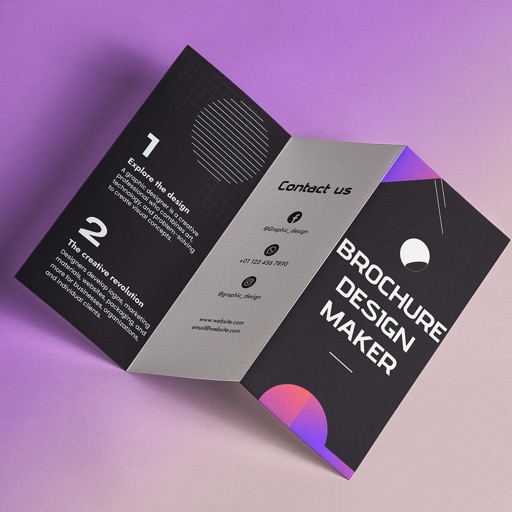
Create brochures by selecting from 2500+ templates across industries like business, travel, and education. Edit layouts, add text, images, and graphics. Export as PDF or print directly. Save and share designs.
Create logos, flyers, and social media graphics using AI-powered tools. Choose from 10,000+ professional templates. Edit designs with drag-and-drop features. Add text, images, and effects. Export in multiple formats and share directly.