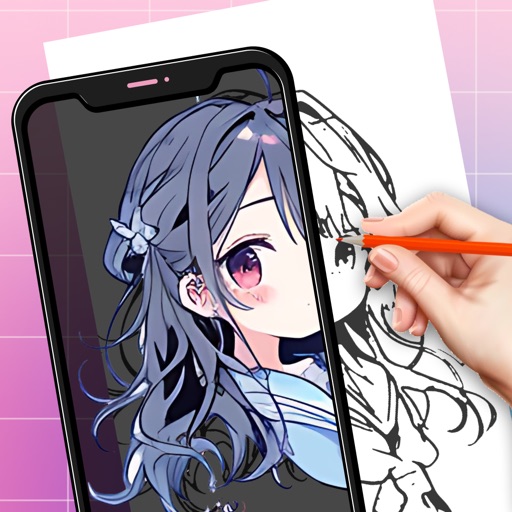
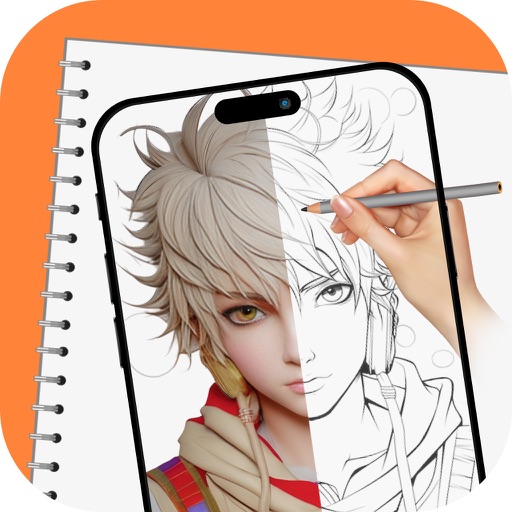
Turn real-world images into sketches using . Capture photos and apply freehand artwork with intuitive tools. Edit and refine sketches directly on the canvas. Share finished drawings via social media or email.
Create digital art with 105 tools including pens, pencils, and brushes. Import and edit photos. Add text and rotate elements. Customize brush settings. Use customizable canvases. Save and share artwork.
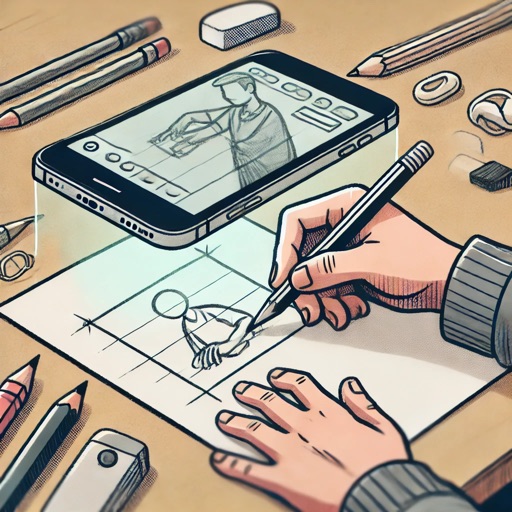
Use camera to project image outlines onto paper for tracing. Choose images from gallery or collection. Follow lines to practice sketching. Suitable for beginners, artists, and students. Improve hand-eye coordination.
Create realistic artwork with pencil, brush, pen, and marker tools. Import images as layers and edit with eraser, ruler, compass, and other tools. Add stickers and use layer management for detailed painting and design.
Create digital illustrations with painting, coloring, and drawing tools. Use multiple layers, customize brushes, and mix colors for precise control. Apply textures and save or share artwork directly.
Create still or animated drawings that flow and evolve. Use generative brushes for natural, responsive sketching. Design fluid artwork for backgrounds or sharing. Adjust brush settings for precise control. Export drawings in various formats.
On photos or backgrounds with customizable stencils for shapes and patterns. Use over 1400 stamps to decorate artwork. Apply smudge tool for textured effects without touching the screen. Save and share completed drawings directly.
Create and view drawings in real-time using AR technology. and on screen with customizable tools. Export artwork in various formats and share directly. Adjust colors, brush sizes, and layers for detailed editing.