Turn photos into animated videos with AI-powered effects. Choose from trending templates for TikTok, Instagram Reels, and YouTube Shorts. videos with trimming, filters, and transitions. Export and share directly to social media platforms.
Edit videos with trimming, splitting, rotating, flipping, reversing, deleting, and duplicating clips. Merge videos, photos, and live photos. Reorder clips as needed.
The app offers long and multi-exposure photography with real-time tracking for moving or still objects. It provides a real-time preview to create smooth background and foreground blur, and users can record first and apply tracking afterward.
Automatically pixelates faces and blurs sensitive content in photos using smart auto blur. Users can hide or reveal faces with a single tap. Manual editing allows adjusting filters like pixelate, blur, mosaic, and crystallize.
The app allows users to fit full-size photos into a square format for posting without cropping. Users can move, rotate, scale, or flip photos and change backgrounds using colors, gradients, or patterns.
Resize images to fit various formats like Instagram posts, stories, Facebook covers, or custom ratios. Adjust aspect ratios manually or select preset options. Apply Fit or Fill modes to scale images without cropping or stretching.
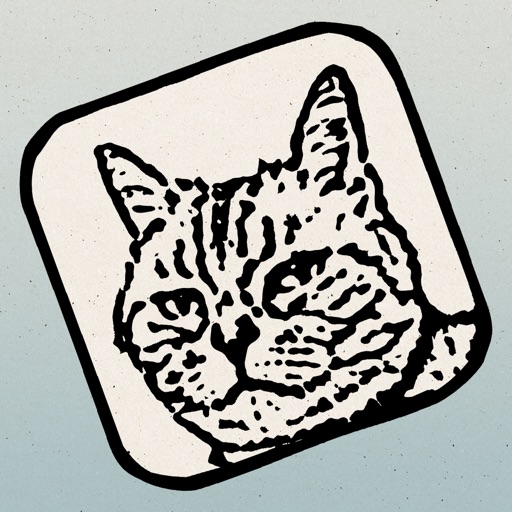
The app transforms photos into hand-carved or rubber stamps with options for rough effects and transparent backgrounds. It includes AI background removal and a feature to convert images to vector graphics.
Edit photos with AI-powered enhancements, including noise reduction, color correction, and sharpness adjustments. Remove blur and improve lighting. Export enhanced images in high resolution and share directly.