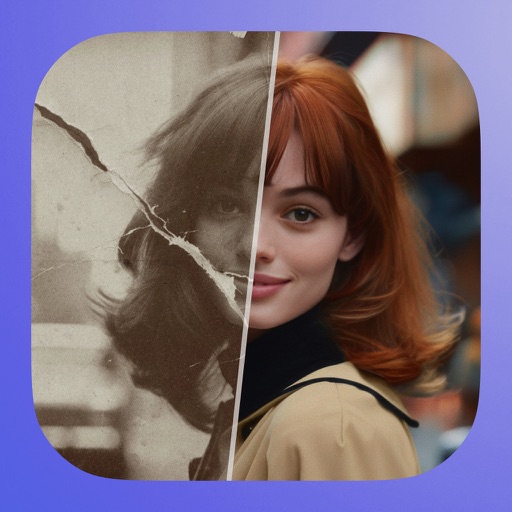
Edit photos by describing desired changes, additions, or removals. Remove objects or people seamlessly. Enhance lighting and mood with cinematic, dramatic, soft, or warm settings. Adjust colors and apply filters. Save or share the final edited image.
by Julien Brami★ 5.08 ratingsGraphics & DesignFreeData updated 2026-09-06
Edit photos with crop and rotate tools using templates. Apply LUT to change the mood. Adjust colors with color curves. Add blur in various styles. Use basic tools for contrast, brightness, and vignette.
Edit images with layers, masks, and advanced tools. Add text and shapes. Create detailed designs and artistic edits. Export in multiple formats. Sync with other apps and devices. Adjust colors and apply filters. Save and organize projects.