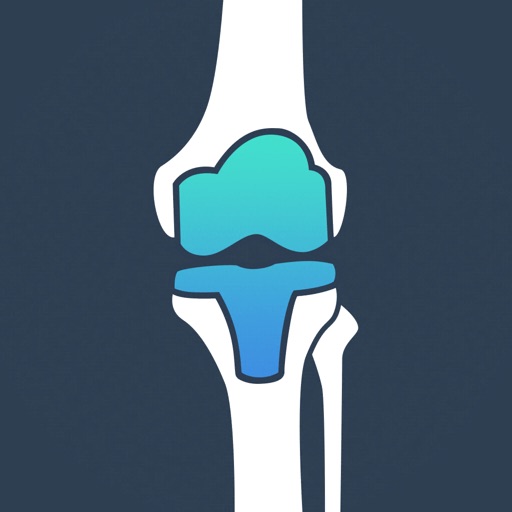
Use AR to create accurate templates for hip and knee implants within one size. Select from a library of major implants. Share templates with colleagues or save for future use. Measure anatomical landmarks directly on the patient.
Access surgical videos and orthopedic content offline
Access orthopedic content anytime with offline and online viewing. Watch HD surgical videos and browse a structured knowledge library. Filter and organize content by topic. Stream videos from the cloud for faster performance.
Identify orthopedic and spine implants from x-rays using AI. Snap an x-ray for AI suggestions. Access a community feed to ask surgeons and representatives for help. Share findings and contribute to the database.
Access product information, view surgical techniques, and review training materials. Download product brochures and specifications. Schedule and manage sales appointments. Track inventory and order status. Share content with colleagues and clients.
Adjust leg position for precise surgical access. Perform hip and knee arthroplasty procedures. Support anterior approach for total hip replacements. Enable single incision hip replacement without detaching attachments.
Schedule appointments and view clinic hours. Access patient records and test results. Request referrals and prescriptions. Find location details and directions. Receive reminders for follow-up visits and treatments.
The app provides orthopaedic specialists access to surgical techniques. It features product lines for extremities, hip, knee, sports medicine, and trauma.
Access product details for Freedom Knee, Libertas Hip, and QRS solutions. View surgical techniques and technical resources. Retrieve specifications and usage guidelines for orthopedic implants.
Access rheumatology for treatment decisions. Use interactive tools like algorithms and calculators. Search for content using keywords. View full guideline texts and score tools.
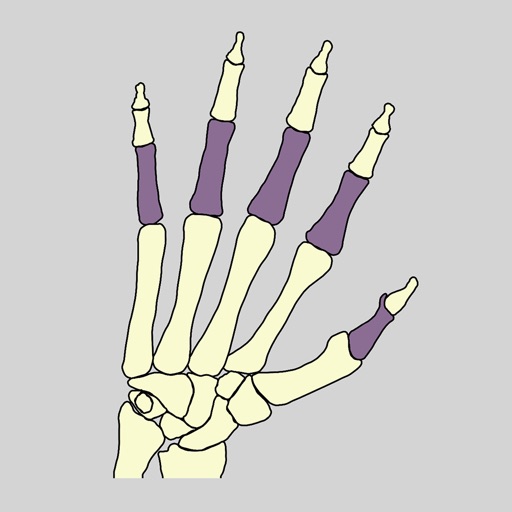
Learn human anatomy by identifying through interactive quizzes. Tap to learn mode displays bone names and requires tapping the correct bone. Spin to learn mode shows highlighted for identification.