Displays a transparent digital on the desktop showing accurate time. Users can set it to always stay on top, ignore mouse events, choose system fonts, customize text color, and adjust shadow color and opacity.
by accorde Inc.★ 0.00 ratingsUtilities$2.99Data updated 2026-09-06
Create clouds by selecting color themes, fonts, and layouts. Choose from six layouts including horizontal, vertical, and half and half. Input text to generate clouds where common words appear larger.
View time with customizable featuring over 100 themes. Set daily motivational quotes. Add to home screen or panel. Adjust widget appearance to match phone theme.
Set daily schedules and reminders for individuals with memory challenges. Track time with a shared interface. Receive alerts and notifications. Synchronize across devices for consistent access. Share schedules with caregivers for coordinated support.
Displays current time with customizable 3D map and photo wallpapers. Adjust clock font color, size, and background. Add custom text beneath the clock. Includes music alarm, timer, and stopwatch. Supports widget display.
Edit PDFs and by adding text, logos, , or QR codes. Render PDF pages as images. Prevent text copying with watermarks. Adjust position, size, and rotation. Customize text with font, color, and opacity.
Manage contacts, calendar, tasks, and notes in one interface. Outlook, Act!, Goldmine, or Palm Desktop. Set color categories for calendar events. Track task completions and appointment history.
Set alarms with customizable sounds and 24/12 hour format. Display time in a large red LCD style with Retina clarity. Use big buttons for easy interaction. Syncs with iPhone settings automatically.
A with interactive design and adaptive layout. Displays time with precise synchronization. Supports widgets for iOS 14-16. Adjusts to device screen size and refresh rate. Includes a dial market for customization.
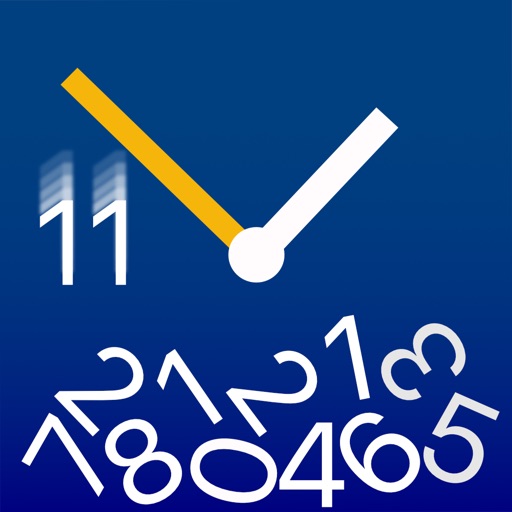
Visualizes time by simulating , where numbers fall and are buried as time passes. Users can watch the face change dynamically with each second. The offers a realistic physics-based animation of time progression.
View current time in multiple locations on a rotating globe. Use Time Travel to see past or future times. Check time zones for cities and countries. Set alarms for specific locations. Share time details with others.
Display current time, date, day of the week, and battery percentage on home screen. Customize and themes with multiple background and font options. Choose from three sizes. Add to home screen and update as needed. Requires iOS 14.
Customize home screen widgets with premade or self-designed options. Add images, adjust fonts, and create color schemes. Choose from countdowns, weather, quotes, and more. Update widgets frequently and arrange them freely.
Display a large digital on a flat screen TV for photo shoots or home decor. Customize faces and colors. Sync with devices to show time from a distance. Share designs for use in professional settings.
Control LED lights remotely with dynamic lighting modes and mood-based settings. Adjust brightness, color, and effects. Create custom scenes and schedules. Sync with smart home systems for integrated control.
Wake up to sounds of cat food cans opening and kittens meowing. Fall asleep to mice squeaking and kittens purring. Customize tones and sleep sounds. Adjust volume and set recurring alarms. Track sleep duration and wake-up times.
Wake up to personalized music playlists. Set independent volume levels for alarms. Recognize color sequences to disable the . Customize ringtones and vibrations for wake-up alerts.
Track and manage time zones with real-time conversion tools. Customize widgets to display friends' local times. View calendar events with time zone-aware scheduling. Set reminders and share time zone information directly.
Display time in animated hexadecimal code with continuously moving values. Customize colors and themes. Set alarms and timers with visual feedback. Sync with other devices for shared timekeeping.
A that remains dark except when needed. Display hides after adjustable time interval. Tap screen to view time, which disappears again after the interval. On iPhones in portrait mode, wave hand to activate time display via proximity sensor.
An and with -only notifications. Set multiple alarms and timers with repeat options. Choose time-based or countdown modes and customize colors. Display notifications on the icon badge. Supports dark mode and runs in the background.