The app transforms an iPhone into a portable scanner for documents like receipts and notes. It creates shareable digital files, supports cloud services, and offers editing options for various image formats.
Sign PDFs and paper documents directly on iPhone. Draw or save styles for quick use. Import PDFs from iCloud, Files, or Photo Gallery. Scan paper documents into professional PDFs. Crop, rotate, reorder, or delete pages.
Set dimensions for precise printing. Arrange multiple photos using layout tools. Choose from standard paper sizes like A4, A5, Letter, and Legal. Export -ready files for accurate results. Adjust and layout before exporting.
The app provides PDF modification and annotation capabilities, including form filling, adding shapes, and inserting pictures. It allows users to organize PDF pages, search within all stored files, and convert various document types into a single PDF.
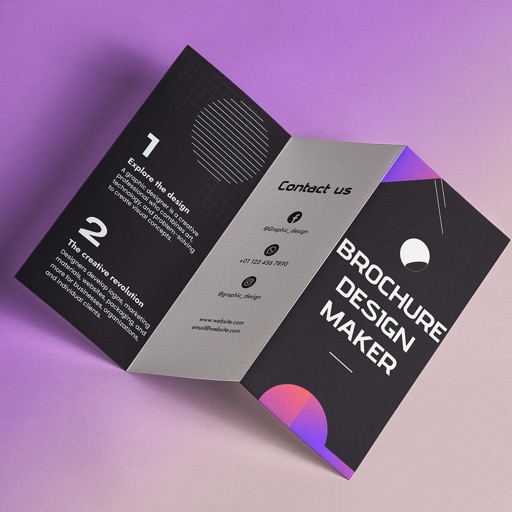
Create brochures by selecting from 2500+ templates across industries like business, travel, and education. Edit layouts, add text, images, and graphics. Export as PDF or print directly. Save and share designs.
Edit and navigate handwritten documents with vector drawing tools. Organize files using Apple's document browser. Sync with iCloud and other cloud services. Save in open SVG format for compatibility with other vector graphics software.
Create professional store preview images without design skills. Select from trending templates, add screenshots, and include headings to highlight key features. Edit layouts and export for Apple Store.
Create and edit documents with advanced formatting options. Organize content using headers, footers, and multiple columns. Insert tables and customize paragraph styles. Manage long or complex projects with reliable performance and stability.