Measure horizontal and vertical angles using a digital spirit . Adjust settings for precision. Sync with devices to view tilt data. Share measurements and save project notes.
The app displays photos with various effects and transitions. Users can choose between random or ordered photo display and select transition durations and types.
Edit photos and videos with AI-powered face detection and moving object tracking. Anonymize videos by removing faces without uploading data. Crop, adjust colors, and apply filters. Export edited media directly to social platforms.
The app decreases video file sizes by 80% or more. Users can identify large videos and adjust frame rate, bit rate, and frame size to control quality and file size.
Manage and update ePaper displays wirelessly via Bluetooth Low Energy. Upload images, schedule refreshes, and control display settings. View device status and adjust connectivity options.
Displays a -hour timetable with one-line for each day. Shows current time and day in a red frame. Includes today's date. Allows switching between days by specifying the page.
Create widgets with photo, placeholder, emoji, text, date, or custom content. Choose from multiple layout types for medium and large widgets. Add transparent backgrounds with blur effect and optional borders.
Digital Photo Frame Slideshow Maker - Picture & Video Creator App LLC
Swap photos, rotate images, share moments
Display photos from your device, iCloud, and social media. Rotate images automatically. Create themed collections. Set schedules for when photos appear. Share photos via email or messaging. Add captions and borders. Adjust brightness and contrast.
Scan driver's licenses using phone camera to verify validity and expiration dates. Save scan history to track attendees and generate aggregated stats. Create VIP or banned lists for event management.
Browse artwork, download images, and display photos
Browse and download artwork, paintings, and photos for Samsung TV or Hisense CanvasTV. Access integrated libraries from Smithsonian, Wikimedia Commons, and Unsplash. and adjust images to fit borderless displays. Share or save edited photos directly.
Edit photos with color filters, light effects, and frame borders. Apply effects like Instafit and Orton. Add film grain and adjust contrast, brightness, and saturation. Include text with 30+ fonts. Share edited images to social networks.
Edit screenshots by adding device frames with customizable parameters. Adjust borders and shadows for a polished appearance. Save or share the enhanced screenshot directly.
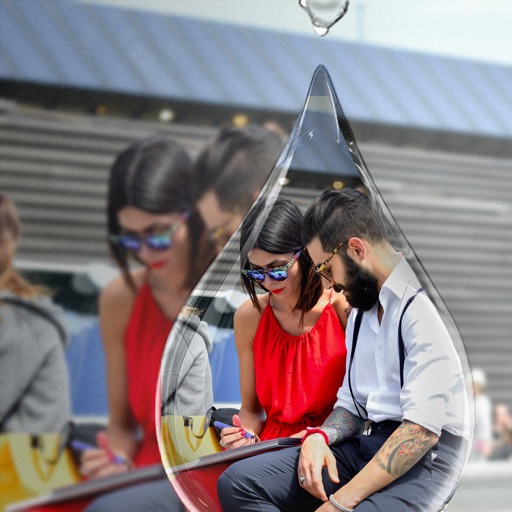
Edit photos with PIP frames, collages, and creative layouts. Add crystal bottle patterns and cartoon styles. Share edited photos directly to social media. Adjust brightness, contrast, and colors. Crop and rotate images.