Create and distribute assignments, collect student work, and grade submissions digitally. Organize classes, send announcements, and communicate with students. Integrate with Drive for file sharing and automatic assignment copies.
Manage activities by assigning shared iPads to students. Launch the same on multiple devices or different apps for groups. Monitor student progress and control device access in real time.
Create charts by tapping and dragging student names into positions. Rotate room layout to match actual setup. Manage multiple classrooms with Rooms. Delete or edit charts as needed. Add student names to each seat.
Schedule and conduct live classes with students. Manage batches and organize coaching sessions. Share study materials and notes. Track attendance and manage student progress. Communicate with students through in- messaging.
Share workspace with students using screen mirroring on Zoom, Google Meet, and Microsoft Teams. Capture and display documents, whiteboard notes, or physical objects. Adjust brightness, contrast, and focus. Annotate live video feeds.
Access tailored video content for professional development. Watch real scenarios with expert teachers demonstrating effective teaching strategies. Learn practical techniques and improve instructional methods through targeted video lessons.
Create and share interactive lessons with multimedia content. Assign and grade quizzes in real time. Track student progress and participation. Integrate with devices for live collaboration. Export lesson materials and analytics.
Create and organize bulletin board layouts, set dimensions, and choose background colors. Save and share designs with others. Includes display and lesson idea resources.
The app helps instruction leaders improve instructional practice by transforming observation data into actionable insights. It supports educator growth, school culture, and teacher retention through streamlined observations and evaluations.
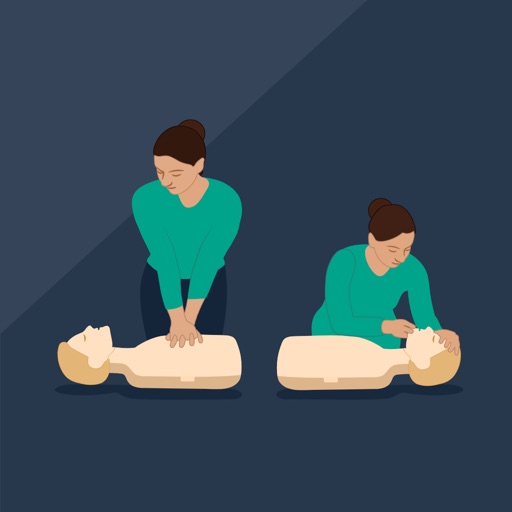
Learner Mode, users join a virtual CPR class using a code. They receive real-time feedback during training. In Instructor Mode, teachers train up to 42 students with real-time feedback.
The app helps children learn to write letters, numbers, words, and shapes through guided tracing and repetition. It adapts to each child's pace, building confidence and strong handwriting habits for classroom or home learning.